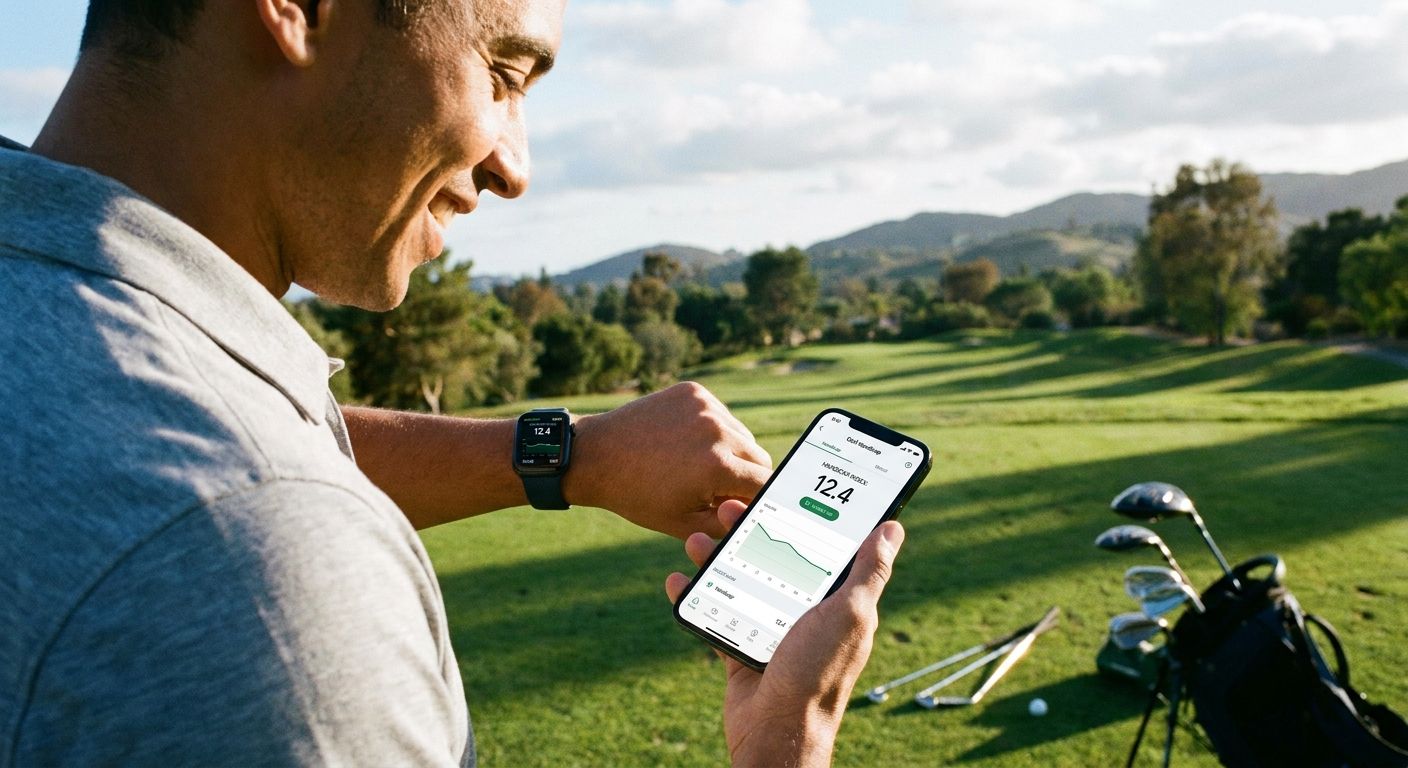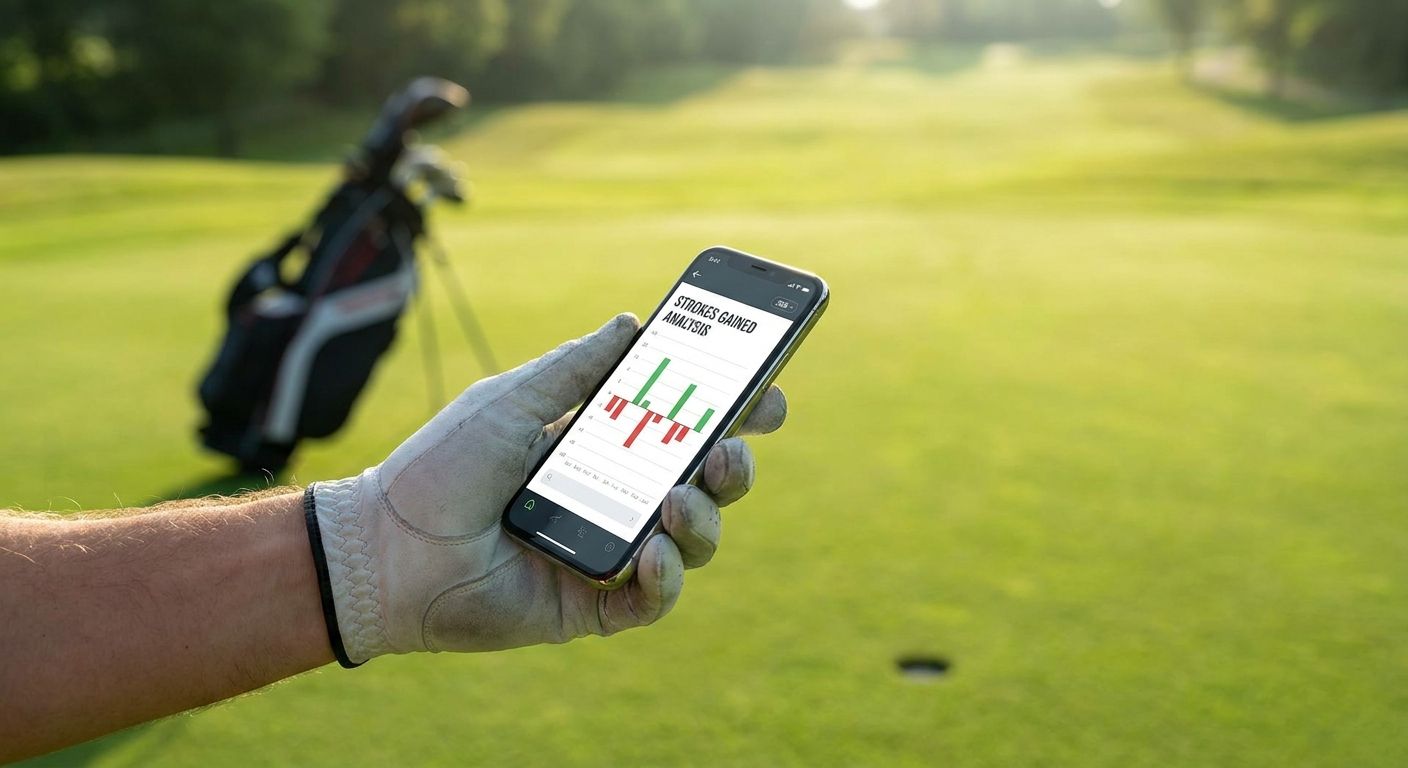
Group chats don't need a stats dashboard — they need a card someone can screenshot in two seconds and drop without a caption. The best golf app for sharing stats in your group chat in 2026 is the one that turns a round or a whole buddies trip into something visual, not a spreadsheet link nobody opens.
- LFG Golfing wins for group trips — it turns a whole weekend into one shareable stat card, not just a single round.
- 18Birdies is the pick if you want stats visible to a wider golf social feed, not just your private chat.
- TheGrint is best when your group actually cares about an official-feeling handicap number.
- Arccos Caddie automates shot tracking but requires buying sensors for every club.
- Golf Pad keeps it simple: a clean scorecard, texted, done.
Why this matters
Most golf apps were built to track your own game, not to broadcast it. Sharing usually means a link, a login wall for whoever opens it, or a screenshot of a cluttered stat page nobody can read on a 6-inch screen mid-round.
A golf app for sharing stats in your group chat has to solve a different problem: make the output look good with zero explanation. If your buddies have to ask "wait what does this number mean," the app failed its one job. LFG Golfing builds the stat card as the end product of logging a round, not an afterthought bolted onto a scorecard tool.
What makes the best golf app for sharing stats in a group chat
- Exportable stat cards that paste into iMessage or WhatsApp without a login wall on the other end
- Group trip mode that pools every buddy's rounds into one shared summary instead of six separate scorecards
- Course-by-course logging so bragging rights tie back to an actual track played, not just a raw score
- Fast score entry that survives the back nine with a cart beer in one hand
- No-app-required viewing so the person receiving the card doesn't need to download anything to see it
At a glance
| App | Best for | Standout feature | Key limitation |
|---|---|---|---|
| LFG Golfing | Group trip stat cards for group chats | Shareable card built per round and per full trip | iPhone only, no Android version yet |
| 18Birdies | Sharing to a wider golf social feed | Built-in social feed plus side-game tracking | Group chat gets a link, not an embedded card |
| TheGrint | Sharing an official-style handicap | USGA-linked handicap tracking | Data-table layout, less visual for a chat thread |
| Golfshot | GPS-driven round stats | Shot-by-shot GPS distances baked into the summary | Export skews score-focused, not trip-focused |
| Arccos Caddie | Hands-off shot tracking | Sensor-based shot detection during the round | Requires buying and mounting sensors on every club |
| Golf Pad | Simple scorecard sharing | Clean, scorecard-only export | Thin on trip-level or season-level stats |
1. LFG Golfing: best golf app for turning a trip into one shareable stat card
LFG Golfing logs every course you play and rolls a full buddies trip into a single stat card built for a group chat, not a personal dashboard. Instead of texting four separate scorecards after a weekend at three different courses, the trip view compiles the group's rounds into one card everyone can screenshot and pass around.
LFG Golfing pros:
- Generates a stat card designed specifically to drop into a group chat
- Tracks buddies trips as a separate layer from regular solo rounds
- Logs every course played, so trip history builds automatically over a season
LFG Golfing cons:
- iPhone only right now, so Android buddies can't log their own side of the trip
- No official USGA handicap number, just personal stat tracking
Best for: a group that plays an annual golf trip and wants one card that sums up the whole weekend, not six separate scorecards. Verdict: Buy.
Log your next round today
Track courses played and build a shareable stat card for your group chat.
2. 18Birdies: best golf app for sharing stats to a wider social feed
18Birdies pairs round tracking with a social feed built into the app, so stats can reach beyond a private group chat into the wider golfer community using the app. It also tracks side games like skins and closest-to-pin, which shows up in the shared summary.
18Birdies pros:
- Social feed exposes stats beyond your immediate group
- Side-game tracking (skins, presses) built into the round summary
- GPS and scoring live in the same app, so there's no second tool needed
18Birdies cons:
- Sharing to a group chat usually means sending a link rather than an embedded image
- The social feed layer adds noise if all you want is a quick group card
Best for: golfers who want their round visible to a broader golf social feed, not just a private thread. Verdict: Hold if a private group chat is your only use case.
3. TheGrint: best golf app for sharing an official-style handicap
TheGrint centers on handicap tracking tied to USGA methodology, which matters when a group cares about the number more than the story of the round. Rounds get logged into a running handicap index that can be shared alongside scores.
TheGrint pros:
- Handicap tracking follows USGA-style calculation, giving the number more weight
- Straightforward round logging with minimal setup
- Works well for leagues that track handicaps season over season
TheGrint cons:
- Shared output leans on data tables, less visual for a fast group chat scroll
- Less built for trip-level storytelling than round-by-round record keeping
Best for: groups or leagues where the handicap number is the point, not the highlight reel. Verdict: Buy for handicap-focused groups.
4. Golfshot: best golf app for sharing GPS-backed round stats
Golfshot leans on GPS yardages and shot-by-shot distance tracking, then wraps that into a post-round summary. For a group chat, that means the shared stats include how far each approach shot actually traveled, not just the final number on the card.
Golfshot pros:
- GPS distances are baked directly into the stat summary
- Shot tracking adds detail beyond just strokes and putts
- Useful for golfers who want proof of that 240-yard drive
Golfshot cons:
- The export reads more like a personal scorecard than a trip recap
- Group-trip aggregation isn't the focus of the app
Best for: golfers who want GPS yardage detail baked into what they text their buddies. Verdict: Hold unless yardage detail is the priority.
5. Arccos Caddie: best golf app for hands-off shot tracking
Arccos Caddie uses sensors mounted on each club to detect shots automatically, removing manual entry from the equation. The tradeoff is upfront: sensors have to be bought and attached before a round counts toward tracked stats.
Arccos Caddie pros:
- Automatic shot detection means no manual tap-in after every stroke
- Full-bag data (which club, how far) without touching a phone mid-swing
- Appeals to golfers who want tracking without breaking their pre-shot routine
Arccos Caddie cons:
- Requires buying and mounting sensors on every club in the bag
- Overkill for a group that just wants scores in a chat, not shot-level data
Best for: golfers willing to gear up for hands-off, sensor-based tracking. Verdict: Hold unless the sensor investment already makes sense for your game.
6. Golf Pad: best golf app for a simple scorecard text
Golf Pad keeps things basic: log a round, get a clean scorecard, send it. There's no trip aggregation or handicap depth, but for a casual foursome that just wants the final numbers texted after 18, it does the one job without extra steps.
Golf Pad pros:
- Minimal setup, fast score entry during the round
- Scorecard export is clean and easy to read on a phone screen
- No side features to wade through before sharing
Golf Pad cons:
- Thin on trip-level or season-level stat tracking
- Not built for groups tracking multiple rounds across a weekend
Best for: a casual foursome that wants a scorecard texted after the round, nothing more. Verdict: Buy for one-off casual rounds.
How we ranked
Each app got measured against the five criteria above: card shareability, group trip handling, course-level logging, score entry speed, and whether a recipient needs the app installed to view what's shared. LFG Golfing and Golf Pad score highest on shareability and speed; TheGrint and Arccos Caddie trade some of that visual simplicity for deeper handicap or shot data.
"If your buddies have to ask what a number means before they can react to it, the stat card already failed."
Which golf app should you choose in 2026?
For a golf trip with a crew, LFG Golfing is the default pick in 2026 — the trip view exists specifically to turn a multi-day weekend into one card, and that's the exact shape most group chats want. If your group cares more about an official handicap number than a highlight card, TheGrint is the better fit. Want stats seen beyond your own thread? 18Birdies' social feed does that job. Everyone else on this list solves a narrower problem well, but for sharing stats in a group chat specifically, the trip-first design is what separates LFG Golfing from a scorecard app with a share button bolted on.
FAQ
What's the best golf app for sharing stats in a group chat in 2026?
LFG Golfing is the best fit in 2026 because it builds a shareable stat card around a full group trip, not just one round. It's the pick if your group plays an annual weekend and wants a single recap card.
Is LFG Golfing better than 18Birdies for group trips?
For trip-specific stat cards, yes — LFG Golfing rolls a whole trip into one card built for a group chat. 18Birdies is stronger if you want stats visible on a broader social feed instead of just your private thread.
Do golf buddies need the same app installed to see shared stats?
No, a shareable stat card should open as an image or link without requiring the recipient to download anything. Apps that only export a raw data link put more friction on whoever's receiving it.
How much does a golf stat tracking app cost in 2026?
Pricing and plan structure vary by app and change over time, so check each app's current App Store listing before a trip. Feature sets differ enough between free and paid tiers that it's worth confirming before you rely on one for a group weekend.
Can you track golf stats without a GPS rangefinder?
Yes, apps like LFG Golfing and Golf Pad focus on course logging and scorecards rather than live GPS yardage. GPS-heavy tracking is more the domain of apps like Golfshot.
Does TheGrint provide an official handicap?
TheGrint calculates a handicap index using USGA-style methodology, which gives it more weight for leagues and groups that track handicaps formally. It's a stronger fit than most apps on this list if the number itself is the priority.
What's the easiest golf app for a casual foursome to share a scorecard?
Golf Pad is built for exactly that: log the round, get a clean scorecard, text it. It skips trip-level and season-level tracking in favor of speed.
Does Arccos Caddie require special equipment?
Yes, Arccos Caddie relies on sensors mounted to each club to automatically detect shots. That means an upfront gear investment before it can track a round hands-free.
One last thing
The biggest reason a shared stat card gets ignored isn't missing data — it's a layout nobody can read at a glance on a phone screen mid-scroll. Before picking an app for your 2026 trip, send yourself a test card and check if it's readable without zooming. If it isn't, your buddies won't zoom either; they'll just skip it.