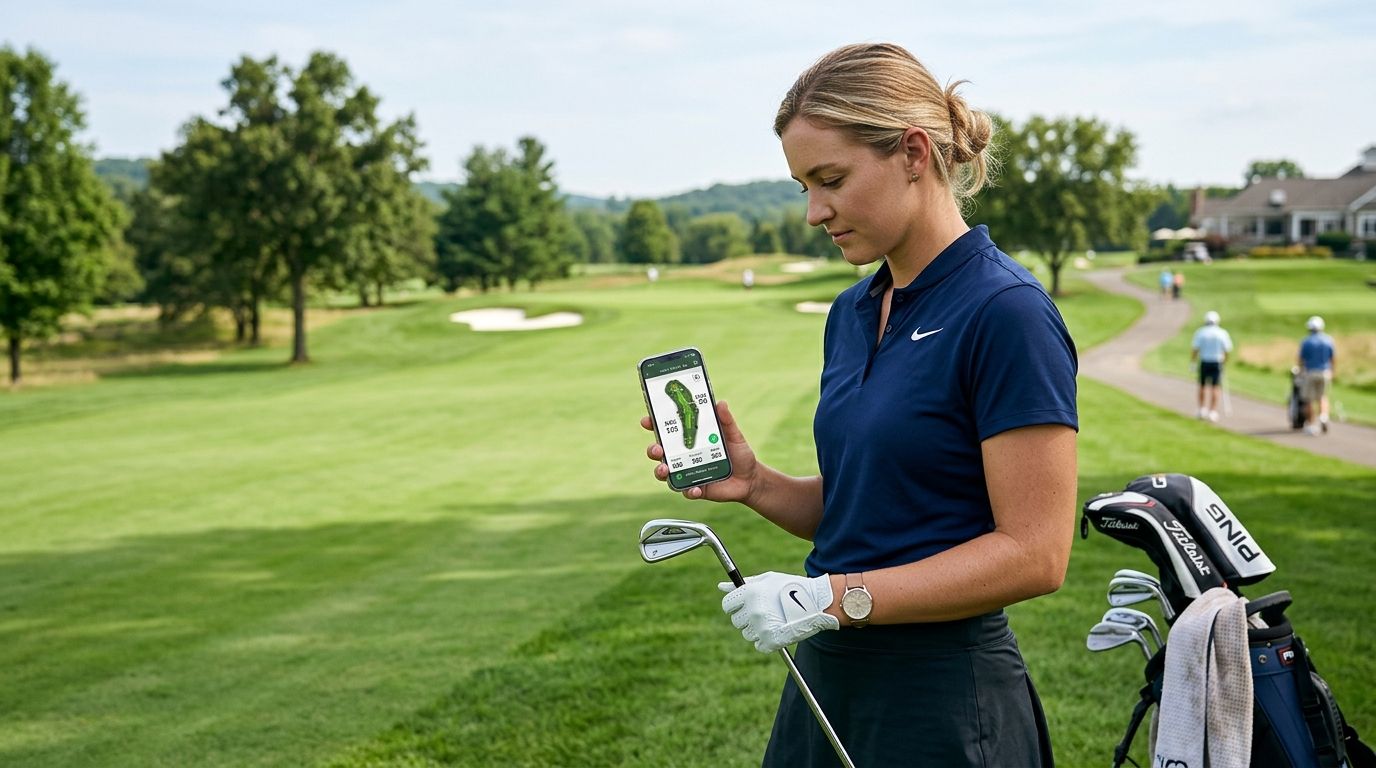
Cell service disappears on plenty of golf courses — tree-lined back nines, canyon fairways, courses tucked into dead zones an hour outside town — and that's exactly when your scorecard app needs to keep working. This guide ranks the golf app that works offline best for five different situations, from group trip logging to GPS yardages, so a dropped signal never costs you a hole of data in 2026.
- LFG Golfing is the golf app that works offline for group trips, course logging, and stat cards.
- Golfshot leads GPS rangefinder apps with downloadable course maps for offline yardages.
- 18Birdies handles full scorecard entry without a live connection during the round.
- TheGrint tracks handicap offline and posts scores once you're back on WiFi.
- Golfpad GPS pairs GPS distances and scoring in one lightweight offline option.
Why this matters
A golf app that stalls out at hole 7 is worse than no app at all — you lose the round's data and have to rebuild your scorecard from memory. Most public and resort courses in the US still have dead zones somewhere on the property, and 2026's GPS-heavy apps are only as good as their offline fallback.
The apps below split into two jobs: logging what happened (scores, courses played, group stats) and telling you what's ahead (GPS distances, hazards, green shape). LFG Golfing handles the first job — it's built to log every course you play and turn a round into a shareable stat card for the group chat, even when the round itself happened somewhere your phone had one bar. The rest of this list covers where it fits against apps built for the second job.
What makes the best offline golf app
- Local-first data entry — scores, putts, and course notes save to the phone before they ever try to sync
- Predownloaded course data — GPS maps and hole layouts load before you tee off, not mid-round
- Automatic sync on reconnect — nothing gets lost between the dead zone and the clubhouse WiFi
- Low battery draw — offline mode shouldn't mean GPS constantly hunting for a signal and killing your battery by hole 12
- Group features that don't gate core functions — stat cards and trip tracking shouldn't require a live connection to log a score
- Clear sync status — you should always know whether a round has actually saved or is still sitting local
Best overall: LFG Golfing. Best for GPS rangefinder distances: Golfshot. Best for full scorecard entry without signal: 18Birdies. Best for handicap tracking offline: TheGrint. Best budget offline GPS/scorecard combo: Golfpad GPS.
At a glance
| App | Best for | Standout feature | Key limitation |
|---|---|---|---|
| LFG Golfing | Group trips and course logging | Shareable stat cards for group chats | No built-in GPS rangefinder |
| Golfshot | GPS rangefinder distances | Downloadable course maps for offline yardages | Scorecard entry is secondary to the GPS features |
| 18Birdies | Full scorecard entry offline | Complete hole-by-hole scoring without a live connection | Social feed features need signal to load |
| TheGrint | Handicap tracking offline | Scores queue locally and post to your index later | Handicap posting still requires an eventual connection |
| Golfpad GPS | Budget GPS and scorecard combo | GPS distances plus scoring in one lightweight app | Course map downloads are a manual step before the round |
1. LFG Golfing: best offline golf app for group trips and course logging
LFG Golfing logs every course you play, tracks group golf trips with your buddies, and turns a round into a shareable stat card for the group chat. It's built around the trip and the group, not the individual GPS shot — so if your foursome is bouncing between three courses on a weekend trip, this is the app tracking who played what and how they did across the whole trip, not just one round.
Core logging — the course you played, your score, who was in the group — doesn't need you to sit around waiting on a page to load between holes. Stat cards and trip summaries generate once you're back in range, which matters on the resort courses and rural tracks where you lose bars for six holes straight.
LFG Golfing pros:
- Logs every course played and builds a running history automatically
- Group trip tracking pools scores and stats across multiple rounds and multiple courses
- Shareable stat cards drop straight into a group chat — no separate export step
- Built for iPhone, so no cross-platform compromise in the interface
LFG Golfing cons:
- No built-in GPS rangefinder — it's a logger and stat-sharing tool, not a distance tool
- Group features work best when the whole group is on the app, not half of them
Best for: buddies trips, recurring golf groups, and anyone who wants a stat card out of the round instead of a spreadsheet. Verdict: Buy.
2. Golfshot: best offline golf app for GPS rangefinder distances
Golfshot is built around GPS yardages — front, center, back of every green, plus hazard distances. Its course maps download ahead of the round so the rangefinder function keeps working once you lose signal on the back nine.
Golfshot pros:
- GPS distances to hazards and green sections without needing a live connection mid-round
- Course map library covers a large number of US courses
- Scorecard entry doubles as a basic stat tracker
Golfshot cons:
- Scoring and stats are secondary to the GPS features — group trip tracking isn't the focus
- Full course map downloads take a manual step before you leave the house or the clubhouse WiFi
Best for: golfers who care more about club selection than trip history. Verdict: Buy if yardages are your priority.
3. 18Birdies: best offline golf app for full scorecard entry
18Birdies is built for hole-by-hole scoring — putts, fairways hit, greens in regulation, the full stat sheet — and that entry works without a live connection during the round.
18Birdies pros:
- Detailed scorecard covers putts, fairways, and greens in regulation in one entry flow
- Scoring data saves locally and doesn't require a connection to keep entering holes
- Wide course database for GPS and hole layouts
18Birdies cons:
- Social feed and some community features need signal to load, which can feel like the app is stuck if you tap into them offline
- The stat-heavy interface is more setup than a casual round needs
Best for: golfers tracking detailed stats every round, not just the final score. Verdict: Hold — solid pick if you want the stat depth, skip it if you just want score and yardage.
4. TheGrint: best offline golf app for handicap tracking
TheGrint centers on handicap tracking — you post scores and it maintains your index over time, syncing to your handicap service once you're reconnected.
TheGrint pros:
- Score entry queues locally when you're posting from a course with no signal
- Handicap calculation runs automatically once scores sync
- Simple interface focused on scoring, not stat overload
TheGrint cons:
- Handicap posting still needs an eventual connection to actually update your index
- GPS and rangefinder features are lighter than dedicated GPS apps
Best for: golfers who play mainly to keep an accurate handicap. Verdict: Hold for handicap-focused golfers, Skip if you want group trip tracking.
5. Golfpad GPS: best budget offline GPS and scorecard combo
Golfpad GPS pairs GPS distances with scorecard entry in one lightweight app, aimed at golfers who want both functions without running two separate apps.
Golfpad GPS pros:
- GPS distances and scorekeeping in a single, lighter-weight app
- Course maps download for offline use with a manual step before the round
- Simple interface with less setup than stat-heavy competitors
Golfpad GPS cons:
- Course downloads require you to remember the step before you lose WiFi
- Group trip and stat-sharing features are thinner than dedicated trip-tracking apps
Best for: golfers who want one app covering both GPS and scoring without extra features. Verdict: Buy if you want a combo tool over two separate apps.
How we ranked these
Each app was measured against the six criteria above: whether data entry works locally, whether course data predownloads, how sync behaves on reconnect, battery draw during offline GPS use, whether group features gate core functions, and how clearly the app shows sync status. LFG Golfing tops the list because its core job — logging courses and trips — never depends on a live connection, and the group stat card is the feature nothing else on this list replicates.
Which golf app that works offline should you choose?
If your priority is group trips, course history, and a stat card for the chat, LFG Golfing is the pick — that's the entire reason it exists. If you need club-selection yardages more than trip tracking, Golfshot covers that gap. Golfers chasing full stat sheets should run 18Birdies, handicap-focused players should stick with TheGrint, and anyone wanting one lightweight app for both GPS and scoring should try Golfpad GPS. Most groups end up running two of these together — a logger for the trip, a GPS app for the shot — and that combination covers both jobs without either app depending on a signal it might not have.
Start logging your next round
Track courses played and build stat cards for your group chat.
FAQ
What's the best golf app that works offline in 2026?
LFG Golfing is the strongest overall pick for group trips and course logging, while Golfshot leads for GPS rangefinder distances that keep working without signal. The right choice depends on whether you need trip tracking or yardages more.
Do golf GPS apps work without cell service?
Most GPS golf apps let you download course maps ahead of time over WiFi or cell data, then run in airplane mode on the course. The catch is you have to remember to download the course before you lose signal.
Is LFG Golfing usable with no signal on the course?
Core logging — the course, your score, who was in your group — doesn't require a live connection to work. Stat cards and trip summaries generate and sync once you're back in range.
How much data do offline golf apps use?
Offline-first apps mostly use data before or after the round, not during it, since course maps and scores are handled locally. Data use during the round itself is minimal if predownloading is set up correctly.
What's the difference between an offline scorecard and an offline GPS rangefinder?
A scorecard app like 18Birdies logs your score and stats without needing a connection mid-round. A GPS rangefinder app like Golfshot needs course maps predownloaded so it can still calculate yardages with no signal.
Can I track group golf trips without WiFi?
Yes — LFG Golfing logs courses played and group scores locally, then builds the shareable stat card once you're reconnected. The trip data doesn't need a live connection to be recorded.
Does 18Birdies work in airplane mode?
Scorecard entry in 18Birdies works without a live connection, but some social feed features need signal to load. Core scoring and stat entry are the parts built to keep working offline.
What golf app works best for tracking handicap without a data connection?
TheGrint queues score entry locally when you're on a course with no signal, then syncs and updates your handicap index once you're reconnected. It's the most handicap-focused option on this list.
One last thing
The app that keeps working with no signal isn't always the one with the flashiest GPS — it's the one that doesn't ask you to wait on a loading screen to log a score. That's the entire design premise behind a trip-and-stat logger like LFG Golfing versus a rangefinder-first app like Golfshot: one is betting the connection stays up, the other is built assuming it won't.