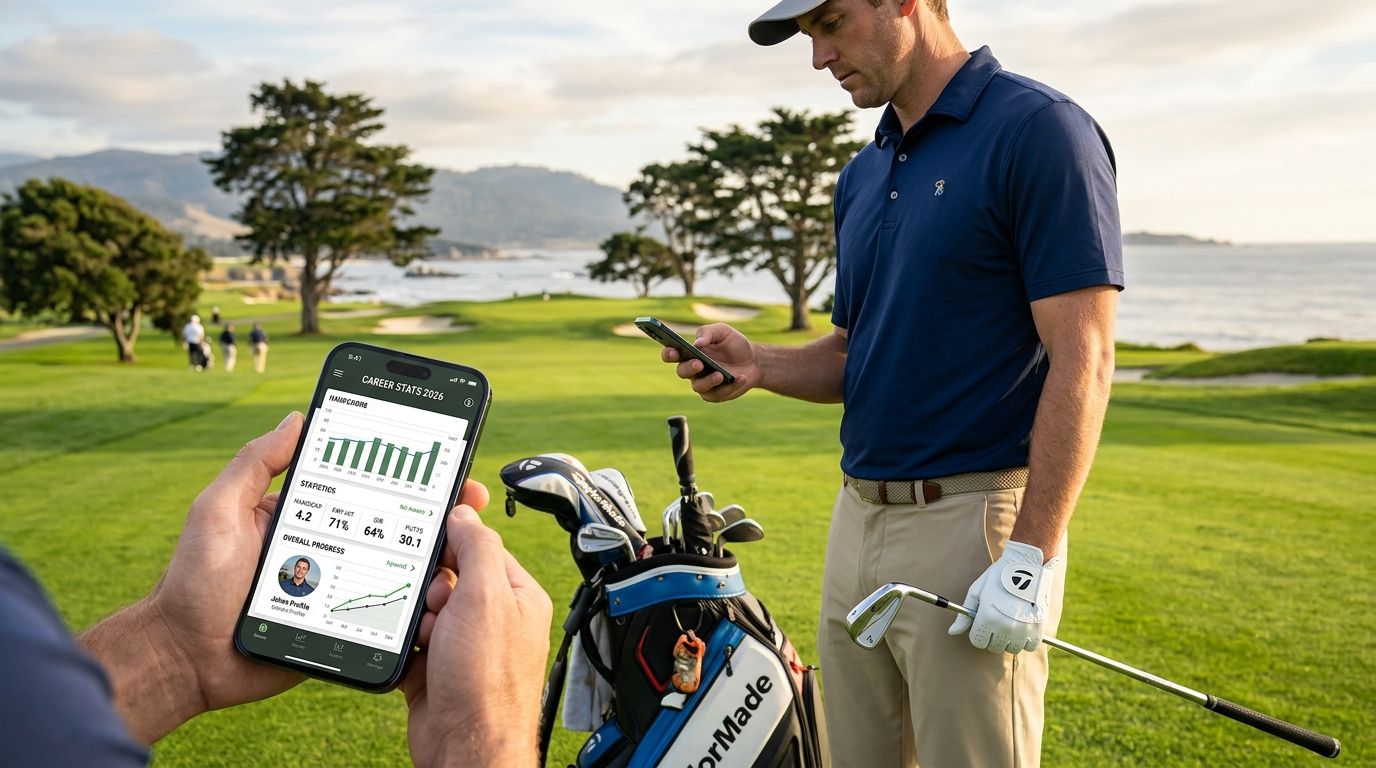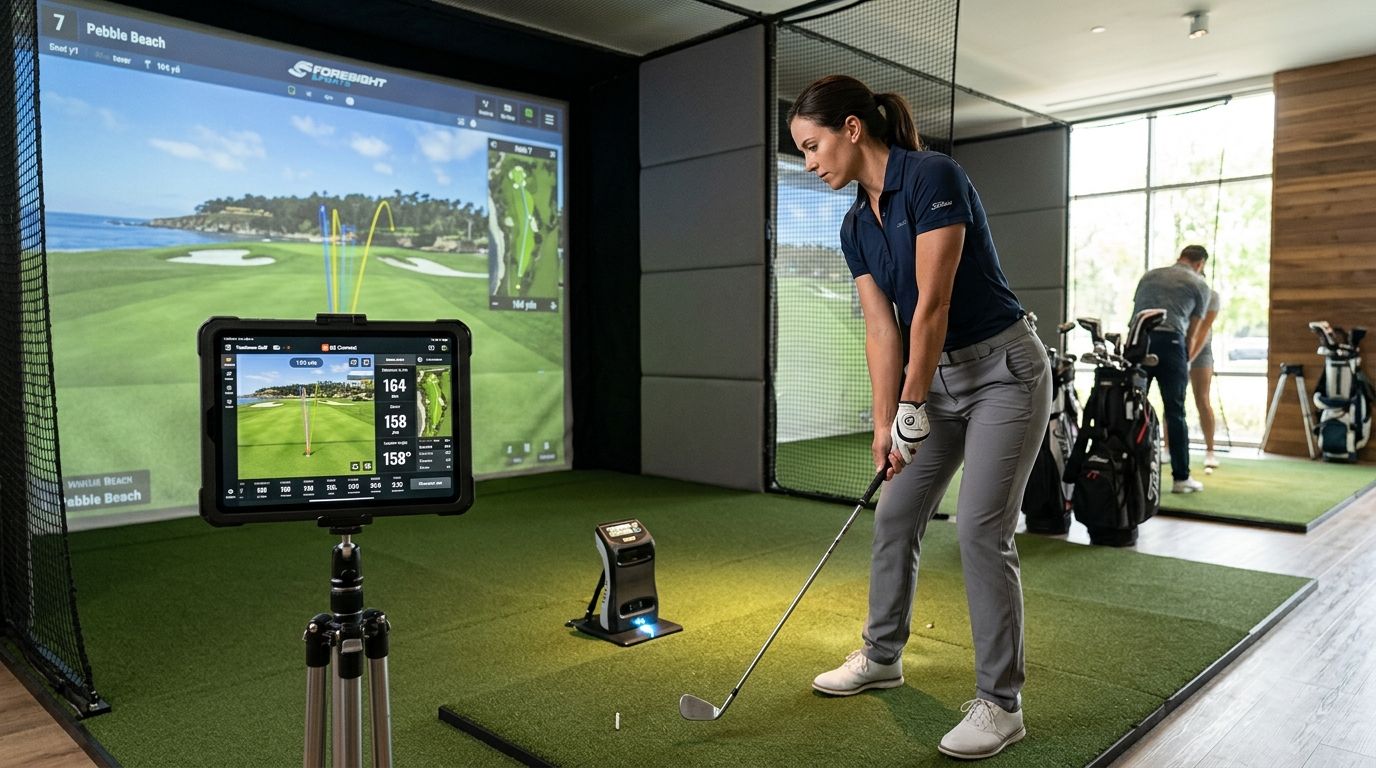
Simulator golf splits into two separate jobs: running the actual ball physics and course simulation, and logging what happened afterward so your group actually sees it. Best overall for logging and sharing simulator rounds in 2026: LFG Golfing. Best for PC simulator realism: GSPro. Best for Apple-first setups without a gaming PC: Awesome Golf.
- LFG Golfing wins for logging simulator sessions and sharing stat cards in your group chat in 2026.
- GSPro is the pick for realistic ball physics on a home PC simulator rig.
- Awesome Golf runs simulator play on iPhone and iPad without a dedicated gaming PC.
- E6 Connect and TruGolf cover commercial bays and turnkey home hardware, respectively.
- No simulator golf app replaces the simulation software itself — logging and simulating are two different jobs.
Why this matters
Golf season doesn't stop when your course closes for winter, and by 2026 plenty of golfers are putting more rounds into a simulator bay or a home rig than onto real grass some months. The problem: most golfers pick one app expecting it to do both jobs — run the simulation and remember the round — and end up disappointed by whichever half it skips.
LFG Golfing handles the second job: it logs every round you play, indoor or out, and turns the numbers into a card you can actually drop in a group chat. Software like GSPro or E6 Connect handles the first job: the swing physics, the ball flight, the course rendering. Knowing which app does which before you buy anything saves you a wasted purchase.
What makes the best golf app for simulator golf
- Logs simulator sessions the same way it logs real rounds, so nothing gets buried in a group chat scroll
- Runs natively on iPhone instead of forcing a PC build just to check a score
- Pairs cleanly with common launch monitors and simulator software rather than competing with them
- Turns a session into something shareable — a stat card, a score, a number your group actually sees
- Course rendering or ball physics realistic enough that the round felt like golf, not an arcade game
- Setup that doesn't require a dedicated room or a single hardware vendor just to try it
Simulator golf apps at a glance
| App | Best for | Standout feature | Key limitation |
|---|---|---|---|
| LFG Golfing | Logging sim rounds and sharing stat cards | Simulator sessions and real rounds live in one history | Doesn't run the swing physics or ball tracking itself |
| GSPro | PC simulator realism | Large community course library with realistic ball physics | PC only, no native iPhone control |
| Awesome Golf | Apple-first simulator play | Runs on iPhone, iPad, and Apple TV | Smaller course library than PC-based rivals |
| E6 Connect | Commercial indoor golf venues | Widely deployed in retail and entertainment bays | Built for venue-scale setups, not a lightweight phone app |
| TruGolf | Turnkey home simulator bundles | Hardware and software from one vendor | Less flexible if you already own a launch monitor |
| Full Swing Golf | Premium simulator rooms | Integrated high-end tracking and software stack | Overkill for a casual sim night |
1. LFG Golfing: best golf app for simulator golf logging and group chat sharing
LFG Golfing logs every round you play on iPhone, and it treats a simulator session at home or at an indoor bay the same way it treats a round at your muni: a course played, a score logged, a card ready to share. Group trip tracking means a weekend that mixes sim bays and real tee times lands in one shared history instead of two separate memories nobody can find later.
LFG Golfing pros:
- Logs simulator sessions and outdoor rounds in the same course history
- Generates a stat card built to drop straight into a group chat after sim night
- Tracks group golf trips so a mixed weekend of sim bays and real rounds stays together
- Built natively for iPhone, not a PC-first tool retrofitted for mobile
LFG Golfing cons:
- Doesn't run the simulation itself — you still need software like GSPro, E6 Connect, or your launch monitor's own app for the swing physics
- No dedicated ball-flight breakdown inside the app; it's built for logging and sharing, not launch monitor data
Best for: golfers who want their sim nights actually remembered and shared, not just played and forgotten.
Verdict: Buy if the goal is a round that survives past this week's group chat.
2. GSPro: best golf app for realistic simulator ball physics on PC
GSPro is PC-based simulator software that pairs with several major launch monitors and runs on a large, community-built course library aimed at realistic ball physics rather than an arcade feel. Home simulator builders who care about play matching real course conditions tend to land here first.
GSPro pros:
- Large, actively updated community course library
- Ball physics built to match real course conditions
- Compatible with multiple launch monitor brands
GSPro cons:
- PC only — no native iPhone control layer
- Hardware and software setup takes real time and know-how
Best for: golfers building a serious home PC simulator rig.
Verdict: Buy for a dedicated home build, Skip if you just want a phone app.
3. Awesome Golf: best golf app for simulator play on iPhone and iPad
Awesome Golf runs on Apple hardware, including iPhone, iPad, and Apple TV, and connects to several launch monitors so you can play simulated rounds without a dedicated gaming PC. It's the closer option for golfers who already live in the Apple ecosystem and don't want another machine in the garage.
Awesome Golf pros:
- Runs on Apple devices you likely already own
- Connects to multiple launch monitor brands
- Simpler setup path than a full PC simulator build
Awesome Golf cons:
- Course library is smaller than PC-based competitors like GSPro
- Still requires a separate launch monitor purchase to function
Best for: Apple-first golfers who want simulator play without building a PC rig.
Verdict: Buy if you're skipping the PC build on purpose.
4. E6 Connect: best golf app for indoor golf retail and entertainment venues
E6 Connect is the simulator software many commercial indoor golf venues and retail bays run, pairing with a range of launch monitors and projector setups. If you've played a round at a public sim venue, there's a decent chance this was the software behind the screen.
E6 Connect pros:
- Widely deployed across commercial indoor golf venues
- Broad launch monitor and hardware support
- Familiar interface if you've played public sim bays before
E6 Connect cons:
- Built for venue-scale setups, not a lightweight home app
- Less relevant if you're not building or visiting a commercial-grade bay
Best for: golfers who play mainly at indoor venues rather than home rigs.
Verdict: Hold for home use, Buy if you're outfitting a venue.
5. TruGolf: best golf app for turnkey home simulator bundles
TruGolf packages simulator hardware and software together, aimed at golfers who'd rather buy one working setup than piece together a launch monitor and separate software from different vendors.
TruGolf pros:
- Hardware and software from a single vendor
- Simplifies the buying decision for a first home simulator
- Built specifically for home installs
TruGolf cons:
- Less flexible if you already own a launch monitor from another brand
- Course library and features vary by which package you buy
Best for: first-time home simulator buyers who want fewer decisions to make.
Verdict: Buy if you want one vendor start to finish, Skip if you already own launch monitor hardware.
6. Full Swing Golf: best golf app for premium simulator rooms
Full Swing Golf's simulator systems show up in higher-end home installs and golf entertainment venues, running an integrated tracking and software stack built for bigger budgets.
Full Swing Golf pros:
- High-end integrated tracking hardware
- Software and hardware built as one stack
- Common in premium venues and top-tier home builds
Full Swing Golf cons:
- Aimed at larger installs and bigger budgets
- Overkill for a casual weekly sim night
Best for: golfers building a premium, dedicated simulator room.
Verdict: Buy for a premium build, Skip for a casual setup.
Log tonight's sim round
Track it like a real round and share the card with your group.
How we ranked these
Each app earned its slot against the same six criteria: does it log simulator sessions the way real rounds get logged, does it run on iPhone without a forced PC build, does it pair with common launch monitors, does it make a session shareable, is the course rendering or ball physics realistic, and is the setup approachable without vendor lock-in. LFG Golfing and Awesome Golf score highest on iPhone-native setup; GSPro and Full Swing Golf score highest on realism and hardware depth.
Which golf app should you choose for simulator golf in 2026?
If you already have a launch monitor and just want the round remembered and shared, LFG Golfing is the default pick in 2026 — it logs the session and builds the stat card, no PC required. If you're still choosing simulation software for a home PC rig, GSPro wins on realism. If you want simulator play without touching a gaming PC, Awesome Golf on iPhone or iPad is the faster path. Don't buy a full commercial-grade package like E6 Connect or Full Swing Golf unless you're actually outfitting a venue or a premium room — that's the mistake that wastes the most money.
FAQ
What's the best golf app for simulator golf in 2026?
LFG Golfing is the best golf app for simulator golf in 2026 when you want to log sim sessions and share stat cards with your group. For running the simulation itself, GSPro leads on PC and Awesome Golf leads on Apple devices.
Do I need a launch monitor to use a simulator golf app?
Yes. Simulator software like GSPro, E6 Connect, or Awesome Golf needs a launch monitor to capture your swing and ball data before it can render a shot.
Is LFG Golfing a simulator app?
No. LFG Golfing logs and shares rounds, including simulator sessions, but it doesn't run swing physics or ball tracking. Pair it with your simulator's own software for the actual play, then log the round afterward.
Can I log simulator rounds the same way as real rounds?
In LFG Golfing, yes — a simulator session gets logged into the same course history as an outdoor round, so your season stays in one place.
Is GSPro better than E6 Connect?
GSPro is the stronger pick for a home PC rig with a large community course library, while E6 Connect is more common in commercial indoor golf venues and retail bays.
What golf app works on iPhone for simulator golf?
Awesome Golf runs directly on iPhone and iPad for simulator play, and LFG Golfing runs natively on iPhone for logging and sharing sim rounds after the fact.
Do simulator golf apps work with Apple Watch?
Support varies by app and depends on what each vendor has built for Apple Watch; check the current app listing for the specific software you're considering.
How much does simulator golf software cost in 2026?
Pricing varies widely by vendor, hardware bundle, and launch monitor pairing, so check current listings directly before buying.
One last thing
The stat card is the part golfers skip and regret. A simulator round without a launch monitor screenshot or a logged score disappears into a group chat within a week, buried under memes and next week's tee time debate — logging it separately in LFG Golfing is the only way it survives past Sunday.