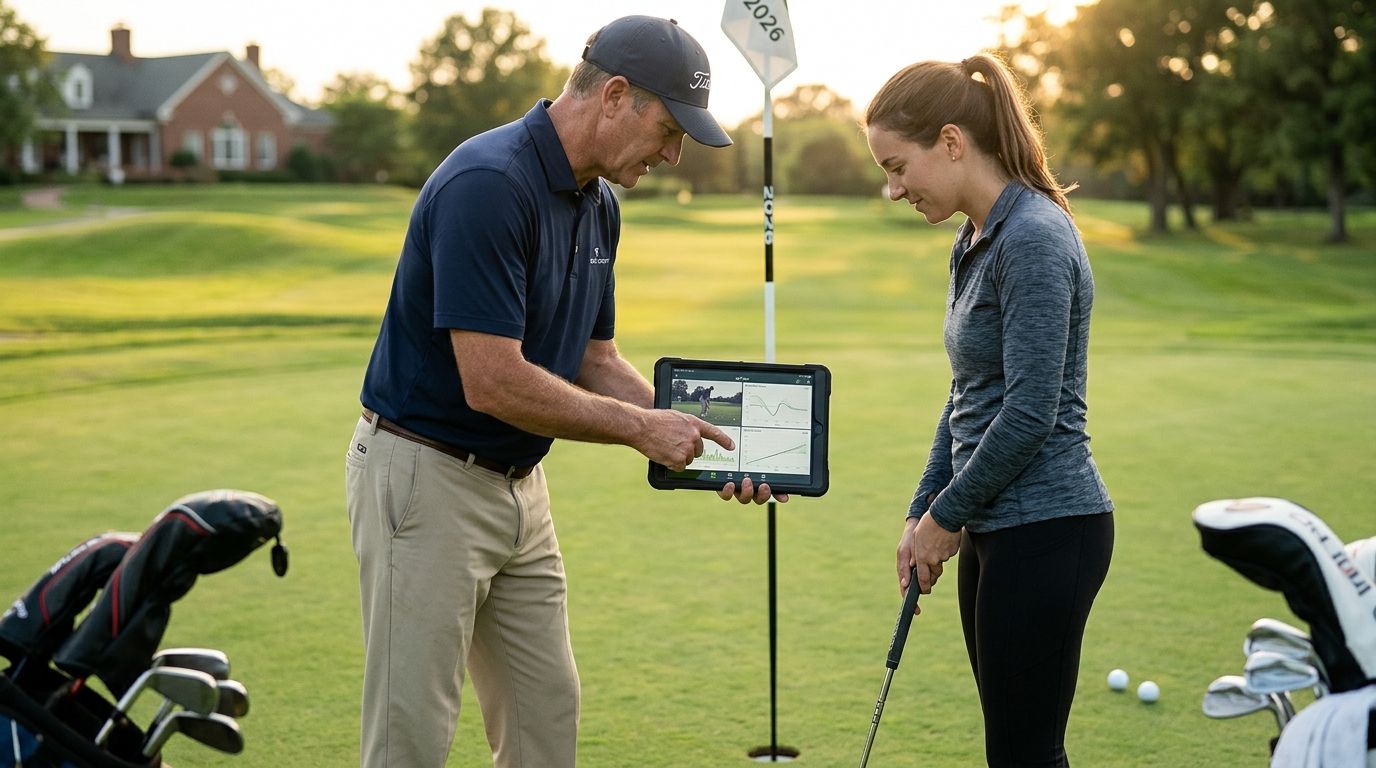
Golf app for golf instructors means using one tool to log every course you and your students play, organize student golf trips, and share progress in a group chat instead of texting scorecards one by one. Instructors have a different problem than weekend golfers: you're managing multiple students, multiple courses, and multiple skill levels at once, and most golf apps aren't built for that.
- LFG Golfing works as a golf app for golf instructors who run student trips and share stat cards in group chats.
- It doesn't replace swing-analysis apps or lesson-scheduling software you already use — it's not built for that.
- Best for instructors organizing group outings, logging courses played, and tracking handicap trends over multiple seasons.
- Spreadsheets and paper scorecards break down once you're coaching more than a handful of students.
Why this matters for golf instructors
Most golf apps are built for a single golfer tracking a single round. Instructors need something that works across a roster — the junior you started in April, the corporate client who plays six times a year, the buddy trip you're leading to Pinehurst in October. LFG Golfing logs courses played, tracks group trips, and turns rounds into shareable stat cards — three things instructors do constantly and most apps don't handle in one place.
The gap is real. Swing-analysis tools handle the lesson tee. Scheduling software handles bookings. Neither one logs the course your student played last Saturday or shows you how their handicap moved over six months. That's the hole a golf app for golf instructors needs to fill in 2026.
Log the courses you and your students play
Start with the manual version before you add software. A running list of every course, in a notebook or spreadsheet, is better than nothing and costs zero dollars.
- Note the course name, date played, and who was in the group
- Record the tee played — students often move up or back a tee over a season
- Track weather and conditions if you're diagnosing a swing change against a bad lie
- Flag any course your student struggled with for repeat practice rounds
- Keep a separate column for lesson-only sessions versus full rounds
A spreadsheet works fine for two or three students. It falls apart once you're coaching a dozen and trying to remember who played where.
Track your own scoring and handicap trends
Instructors play too, and your own course log is proof of what you teach. Track it the same disciplined way you'd ask a student to.
- Log every round you play, not just the good ones
- Note fairways and greens in regulation if you're demonstrating a specific shot shape
- Track putts per round separately from tee-to-green stats
- Keep a running handicap number so students can see it move
- Compare rounds at courses you also teach at, since local knowledge skews scores
Organize student and buddy golf trips faster
This is where a spreadsheet stops being enough. Coordinating a student outing, a charity scramble, or a corporate group means tracking who's playing, which course, and what the itinerary looks like — and a group text thread is a bad place to store that.
LFG Golfing's trip tracking replaces the group-chat scramble with one shared log everyone can check. It works for corporate golf outings as easily as a three-student weekend trip:
- Set the trip dates and courses in one place instead of five separate texts
- Add every student or client to the trip so nobody's left checking an old thread
- Log scores from each round as they happen, not from memory the next week
- Keep a running record you can reference when planning next year's trip to the same course
Share student progress in a group chat
Students want proof of improvement, and a screenshot of a scorecard doesn't cut it. Shareable stat cards turn a round into something a student can post without you formatting a slide deck.
This is the part of a golf app for golf instructors that actually gets used week to week — sharing stats in your group chat after a lesson round or a trip:
- Generate a card showing round score, fairways hit, and putts after each session
- Send it straight to the student's group chat so their playing partners see the improvement
- Use it as a retention tool — students who see progress book more lessons
- Keep cards from early sessions to compare against six months later
Keep lesson scheduling and swing analysis separate
A golf app for golf instructors doesn't need to replace tools that already work. Scheduling software handles bookings and payments. Swing-analysis apps handle video overlay and slow-motion breakdown at the tee. Neither logs a course played or tracks a trip, and forcing them to do that job usually means bad workarounds.
- Keep your booking software for calendar and payment, full stop
- Keep a dedicated swing-analysis app for video work during lessons
- Use a course-tracking app only for what it's actually built for: rounds, trips, and stats
- Resist the urge to consolidate everything into one tool that does all three poorly
Common mistakes instructors make with golf apps
- Trying to make one app do everything. Scheduling, swing video, and course tracking are three different jobs — one app rarely does all three well.
- Losing student trip history in group texts. Six months later nobody can find which course they played or what the group shot.
- Not tracking their own rounds. Students trust instructors whose handicap and course log are visible, not just claimed.
- Skipping shareable proof of progress. A verbal "you're improving" doesn't stick the way a stat card in a group chat does.
- Overbuilding a spreadsheet. Past a handful of students, manual tracking becomes a second job nobody signed up for.
Comparison: options for golf instructors in 2026
| Option | Best for | Key limitation | Verdict |
|---|---|---|---|
| LFG Golfing | Logging courses played, running student/buddy trips, sharing stat cards | No swing video or shot-tracking | Buy for trip and course tracking |
| Swing-analysis app | Video breakdown at the lesson tee | Doesn't log courses played or trips | Keep as a lesson tool, not a replacement |
| Scheduling/CRM software | Booking lessons, taking payments, managing a roster | No course log, no shareable stat cards | Keep separate |
| Spreadsheet/manual log | Instructors with two or three students | Breaks down past a handful of students, no auto-share | Skip once your roster grows |
“Students trust instructors whose own course log and handicap are visible, not just claimed.”
Start logging your student trips
Track courses played and share stat cards after every lesson round.
FAQ
What's the best golf app for golf instructors in 2026?
LFG Golfing is the strongest fit for instructors who need to log courses played, run student trips, and share stat cards in a group chat. It's not a swing-analysis or scheduling tool, so pair it with whatever you already use for lesson booking.
Do golf instructors need a separate app from their students?
No. Instructors and students can use the same course-tracking app, which is actually the point — you both see the same trip history and stat cards instead of comparing screenshots.
Can a golf app replace swing-analysis software for instructors?
No. Swing-analysis apps handle video overlay and slow-motion review at the tee, while a course-tracking app like LFG Golfing handles rounds played, trips, and stats. They solve different problems.
How do instructors track student progress over time?
Log every round a student plays, including scores, fairways and greens hit, and putts, then compare stat cards from early sessions against recent ones. Consistent logging beats memory every time.
Is a group golf trip app useful for instructor-led clinics?
Yes. A trip-tracking app keeps every student on a clinic trip in one shared log instead of a scattered group chat, which matters once you're coordinating more than three or four players.
What should instructors avoid when picking a golf app?
Avoid picking one app to handle scheduling, swing video, and course tracking at once. Each job is different, and a single app rarely does all three well in 2026.
Does LFG Golfing work for tracking handicap trends?
Yes, LFG Golfing logs rounds over time so instructors and students can see handicap movement across a season instead of guessing from memory.
One last thing
The instructors who get repeat bookings in 2026 aren't the ones with the fanciest launch monitor — they're the ones who can show a student six months of logged rounds and say "look how far you've come." A stat card in a group chat does that job in five seconds.