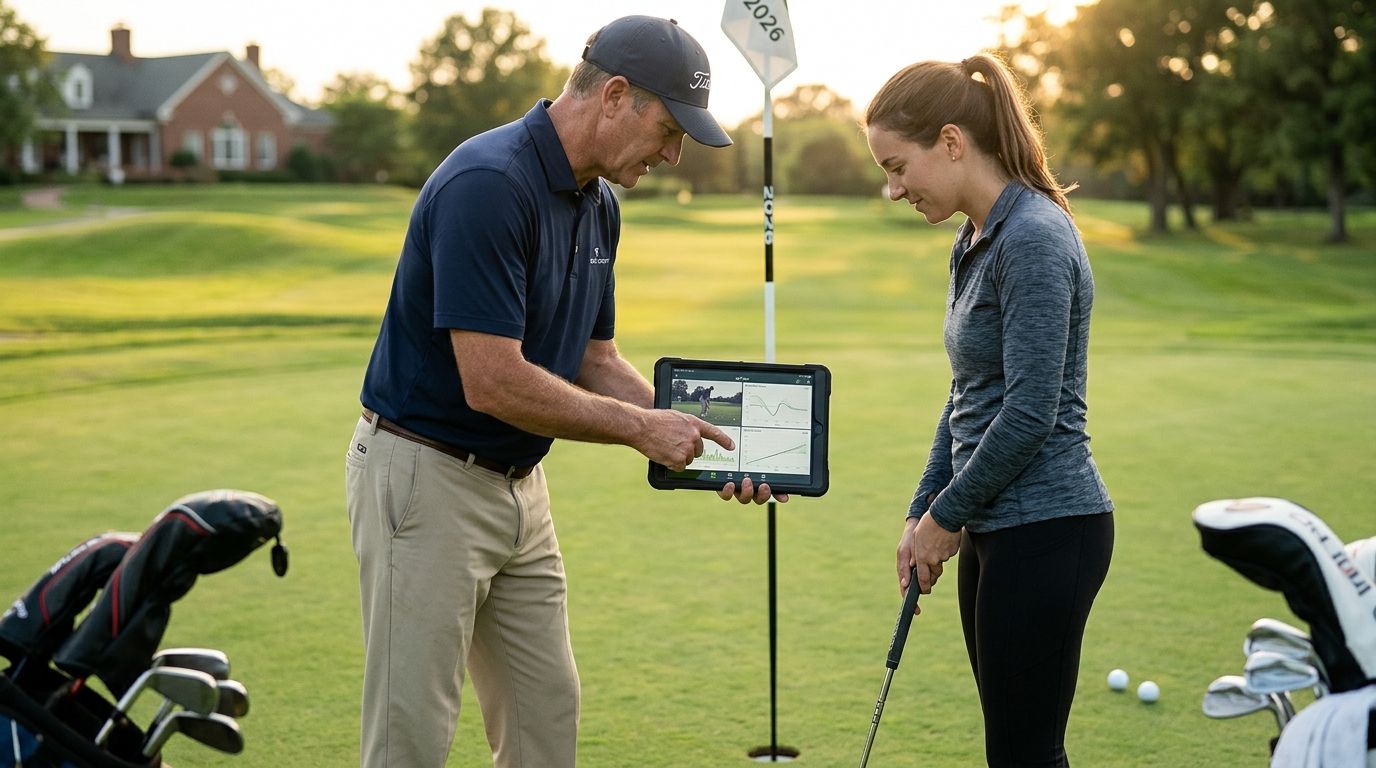
A golf stat tracker for college golf teams is a system for logging every round, hole score, and key metric (fairways hit, greens in regulation, putts, strokes gained) across a full roster, with the goal of turning practice data into lower tournament scores. College squads need more than a personal scorecard app — they need one shared source of truth that a coach can pull up before a match and a player can update from their phone between holes.
- A golf stat tracker for college golf teams works best when every player logs the same core stats after every round, not just tournaments.
- Strokes gained, fairways hit, and putts per round are the three numbers that actually predict scoring trends for a roster.
- Free spreadsheets work for small rosters; apps like LFG Golfing save time once you're tracking 8+ players across a season.
- Share cards turn raw stats into something a team group chat will actually look at after a round.
Why a stat tracker matters for college golf teams
A college roster plays a handful of tournaments a season, but players log dozens of practice and qualifying rounds in between. Without a shared tracker, that data lives in individual heads, paper cards, or six different personal apps — which means a coach setting lineups is guessing instead of comparing.
The teams that track consistently get one real advantage: they can spot a slump or a strength before it shows up in a tournament score. A player whose putts-per-round climbs from 30 to 34 over three weeks is a lineup conversation waiting to happen, but only if someone's actually logging putts every round.
College golf also runs on qualifying rounds and lineup competition, so stats need to be comparable across players and courses, not just personal bests. That's a different job than a casual golfer's app — it's roster management, not just a scorecard.
Step 1: Standardize what every player logs
Before picking any app, get the roster logging the same stats the same way. Inconsistent tracking is the single biggest reason team stat systems fall apart by October.
- Score, fairways hit, and greens in regulation on every round, practice or tournament
- Putts per round, split into 3-putts if anyone's tracking that granularly
- Driving distance on a fixed number of holes (same holes each time, if possible)
- Course and tee played, so scores are comparable across venues
- Weather or conditions notes for context on outlier rounds
Step 2: Log every round, not just tournaments
Tournament data alone is too thin. A 6-tournament season gives you maybe 24 competitive rounds per player — not enough to spot real trends. Practice rounds and qualifiers fill the gap.
- Set a team rule: qualifying rounds get logged the same day, before memory fades
- Use a shared spreadsheet or app so the coach can see entries in real time
- Log even bad rounds — a tracker that only captures good rounds is worthless for diagnosis
- Note whether a round was 9 or 18 holes so averages don't get skewed
A spreadsheet gets a small roster through a season. It gets messy past 8-10 players because someone always forgets to update their tab, and version conflicts pile up fast. This is where an app that logs a round in a couple of taps and syncs automatically starts paying for itself — LFG Golfing lets each player log a course right after finishing, so the data lands in one place without a coach chasing down spreadsheet updates.
Step 3: Track strokes gained if you want real diagnosis
Raw scores tell you what happened. Strokes gained tells you why. It breaks a round into off-the-tee, approach, short game, and putting, so a coach can tell a player "your short game cost you 2 strokes today" instead of just "you shot 76."
- Track strokes gained by category, not just total, for anything you want to coach on
- Compare a player's strokes gained across their last 5-10 rounds, not one bad day
- Use it to set practice priorities — a player losing strokes on approach shots doesn't need more putting drills
- Cross-check strokes gained trends against tracking strokes gained benchmarks if the roster wants a deeper breakdown
Step 4: Build a season-long stat history, not just a snapshot
One good tournament doesn't make a case for a lineup spot. Coaches need a rolling view of each player's career golf stats over time to make fair calls.
- Keep a running average for scoring, fairways, and putts updated weekly
- Flag rounds played in unusual conditions (wind, rain, unfamiliar course) so they don't distort the average unfairly
- Compare fall-season stats to spring-season stats — most players trend differently across a college calendar
- Archive graduating seniors' full stat history for recruiting and alumni purposes
Step 5: Turn stats into lineup and practice decisions
Data that sits in a spreadsheet and never gets used is a wasted step. The point of tracking is deciding who plays and what gets practiced.
- Rank the roster by a rolling 5-round scoring average before setting a lineup
- Pull individual strokes gained categories to assign targeted practice blocks
- Share weekly stat summaries with the team so players see where they stand
- Use course-specific history if the team is repeating a venue from last season
Step 6: Share results without turning it into busywork
Teams that keep stats private lose a motivational tool. A quick shareable recap after a round — sent to the team group chat — keeps everyone accountable without a coach having to manually build a report.
- Generate a quick stat card after each round instead of a full written recap
- Post team qualifying results so the whole roster sees where they rank
- Keep individual struggles low-key in the group chat; save those for one-on-one coaching
- Use a group golf trip style shared feed for team travel rounds outside the season
Get every player logging in one app
LFG Golfing logs rounds and builds shareable stat cards for the team chat.
Comparison: stat tracking options for college golf teams
| Option | Best for | Key limitation |
|---|---|---|
| Shared spreadsheet | Small rosters, low budget, coaches comfortable building formulas | Manual entry breaks down past 8-10 players; no mobile logging on the course |
| Team stat platforms (e.g. Golf Genius, TheGrint) | Programs needing official handicap and tournament management | Built for administration, not fast round-by-round stat logging or social sharing |
| Standalone strokes-gained calculators | Players wanting deep shot-level diagnosis | Usually single-player; doesn't roll up into a team view |
| LFG Golfing | Teams wanting fast round logging plus shareable stat cards for the group chat | Not built as an official scoring or handicap system for sanctioned events |
Verdict: shared spreadsheets work for rosters under 10 players who log consistently; LFG Golfing is the faster path once you want mobile logging and shareable stat cards without chasing anyone down.
Common mistakes college golf teams make
- Tracking only tournament rounds. Practice and qualifying data is where real trends show up first — skip it and you're diagnosing slumps a month late.
- Letting every player use a different app. Stats stop being comparable the moment fairways-hit gets defined differently by two players.
- Ignoring strokes gained by category. A single scoring average hides whether the problem is the tee shot, the approach, or the putter.
- Never archiving past seasons. Graduating players' stat history disappears if it's never pulled out of a personal account.
- Overbuilding the spreadsheet. A tracker with 40 columns nobody fills in consistently is worse than one with 6 columns everyone actually uses.
“A team stat tracker only works if every player logs the same six numbers, every single round.”
FAQ
What's the best golf stat tracker for college golf teams in 2026?
The best setup for most college programs pairs a shared logging system, like LFG Golfing, with a standardized set of stats every player tracks the same way. Official handicap platforms handle sanctioned scoring, but they're not built for fast, social round-by-round logging.
Do college golf teams need a paid stat tracking platform?
Small rosters can run on a shared spreadsheet through most of a season. Programs past 8-10 players usually outgrow spreadsheets fast enough that a dedicated app pays for itself in time saved chasing updates.
What stats matter most for a college golf roster?
Score, fairways hit, greens in regulation, putts per round, and strokes gained by category cover most lineup and practice decisions. Driving distance matters too, but only when measured on the same holes each round.
How often should college golfers log their rounds?
Every round, not just tournaments. Practice and qualifying rounds make up most of a season's data and catch scoring trends weeks before a tournament would.
Is strokes gained tracking worth it for college golfers?
Yes, if the goal is targeted practice instead of guessing. Strokes gained breaks a round into off-the-tee, approach, short game, and putting so coaches know exactly what to work on.
Can a golf stat tracker replace an official handicap system?
No. A stat tracker like LFG Golfing is built for logging rounds and sharing results, not for official handicap certification or NCAA compliance reporting, which still runs through dedicated platforms.
How do teams keep stat tracking consistent across a roster?
Set one standard list of stats before the season starts and have every player log the same fields the same day they play. Inconsistent tracking is the most common reason team systems collapse mid-season.
What's a quick way to share team stats without extra work?
Generate a shareable stat card after each round instead of writing a manual recap. It keeps the team group chat updated without adding a task to the coach's plate.
One last thing
The programs that actually use their stat history don't add more columns — they trim to the six numbers that predict lineup changes and stick to them all season. A 34-putt round flagged the week it happens beats a spreadsheet full of untouched data discovered in April.