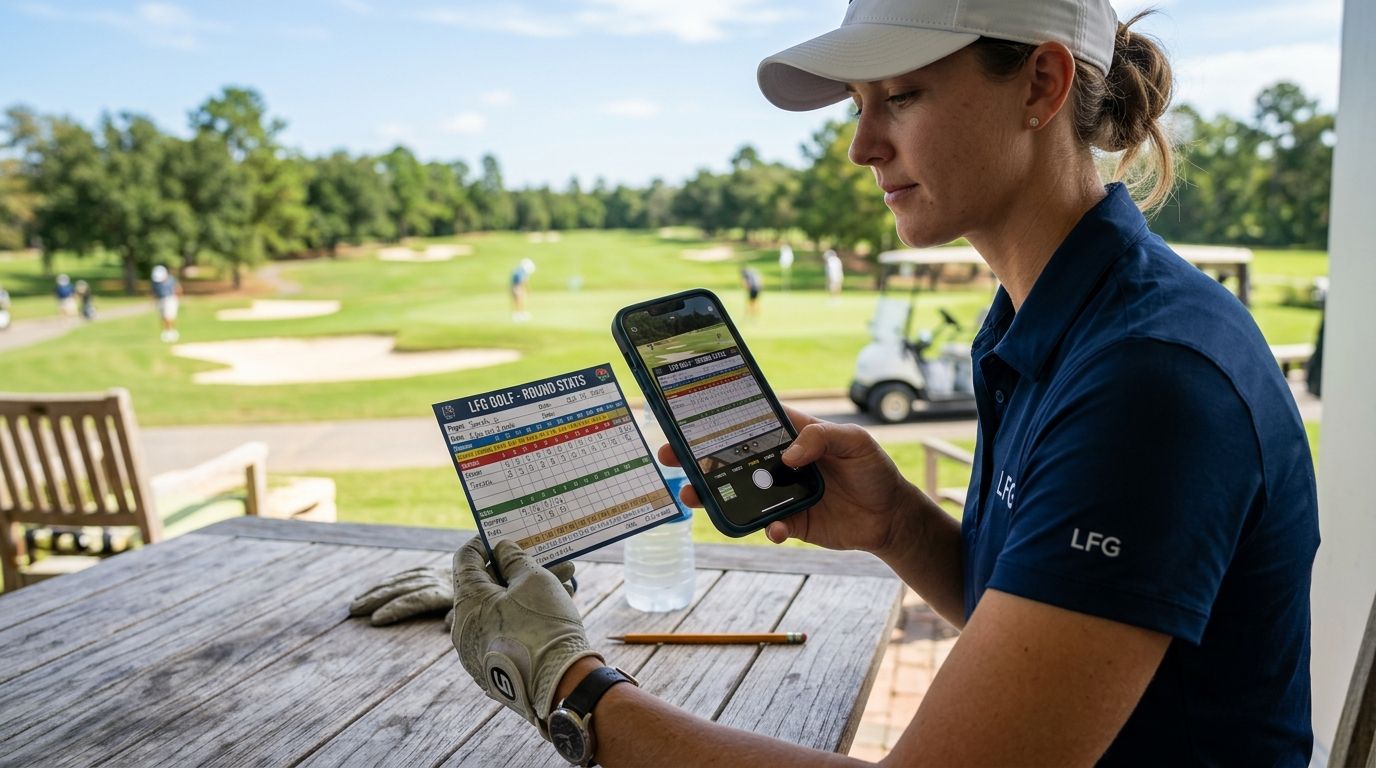
Youth golf camp directors need a golf app that logs every camper's rounds, tracks scores across a multi-week session, and turns raw numbers into recaps parents will actually read. Camp directors run different math than weekend foursomes: dozens of campers, rotating counselors, and a parent group chat waiting for proof the week is working. LFG Golfing is built for logging courses and generating shareable stat cards, and it's a strong fit for camp directors who need fast recaps over deep swing analytics.
- LFG Golfing wins for camp directors who need one place to log every camper's round and share stat cards in a group chat.
- Manual spreadsheets work for a single week but break down once you're tracking 20+ campers across multiple courses in 2026.
- Camp directors should standardize scoring before day one, not after week two when counselors have already invented three formats.
- A golf app for youth golf camp directors should generate a shareable recap without asking parents to download anything.
Why golf apps matter for youth golf camp directors
Camp directors aren't tracking one golfer's handicap trend. They're tracking a roster: 15 to 40 campers, several skill levels, multiple courses over a one- or two-week session, and a stream of parents who want to know if their kid actually improved. A paper scorecard system collapses fast once counselors rotate groups daily and nobody remembers who shot what on Tuesday.
The camp-specific problem is recap speed. Parents pick kids up at 4pm and want something concrete before they leave the parking lot. A golf app that turns a round into a shareable stat card solves that in the time it takes to hand off a camper, instead of a director writing individual emails that night.
Update your camper roster before day one
Build the roster structure before the first tee time, not during it. Camps that wait end up re-entering names mid-week, which is where scores get attached to the wrong camper.
- List every camper with skill group (beginner, intermediate, advanced) so scores compare fairly within a tier
- Assign each counselor a fixed group so the same adult logs the same kids all week
- Note which courses the camp will use for the session so location entry isn't guesswork on-site
- Flag campers who've never kept a scorecard before — they need a simpler tracking format for day one
- Confirm each camper (or a parent) has a way to see their own recap, whether that's a shared device or their own login
A whiteboard and a stack of paper scorecards will get a one-day clinic through fine. A five-day session with 30 campers needs a system that doesn't rely on someone's handwriting being legible on Friday.
Log every round the same way, every day
Consistency matters more than precision at camp. A camper who shoots 52 on a par-3 course and 98 on a full 18 needs both numbers recorded in a format that still makes sense when you're comparing week one to week five.
- Log the course, tee, and format (9-hole, par-3, scramble) for every round so comparisons stay apples-to-apples
- Record strokes per hole where possible — even rough counts beat no data when you're showing improvement later
- Track something beyond total score: fairways hit, putts, or greens in regulation give campers a second improvement metric
- Keep a running log per camper across the full session, not a fresh sheet each day
- Note weather or course conditions on rough days so a bad score has context
This is where a golf app for youth golf camp directors starts pulling weight a spreadsheet can't. LFG Golfing logs every course played and keeps a running history per golfer, which is the exact shape a camp director needs when a parent asks "did she actually get better this week?"
Log your camp's rounds in one app
Track every camper's rounds and turn the week into shareable recaps.
Turn scores into a recap parents actually open
The deliverable at the end of a golf camp isn't a spreadsheet — it's something a parent screenshots and sends to grandma. If the recap requires an app download, a login, or a PDF attachment, most parents won't open it.
- Generate a stat card per camper covering scores, courses played, and any personal-best moments from the week
- Keep the format shareable directly into a text thread or group chat, not locked behind a login wall
- Include one specific number, not just a final score — putts dropped, fairways found, holes under par
- Send the recap the same day it happens, ideally right after the round, while the camper is still talking about it
- Save a full-session summary for the last day so parents see the arc, not just one round
Camps that skip this step lose the strongest marketing they have. A parent who gets a shareable stat card mid-week is a parent who signs their kid up again next summer. This is where the category term matters most: a golf app that generates recaps beats one that only stores scores.
Standardize scoring across counselors
Every counselor develops their own shorthand by day three unless someone stops them. That's fine until two counselors' groups get compared and the numbers don't mean the same thing.
- Set one scoring format at the start (gross strokes, or gross plus a simple stableford) and stick to it all week
- Decide up front how to handle picked-up balls or max scores per hole for beginners
- Have counselors log scores the same day, not from memory at the end of the week
- Run a five-minute check-in each morning to confirm everyone's using the same entry method
- Keep one director as the single source of truth for the master roster and course list
Measure improvement across the session
A single round tells you almost nothing about a 10-year-old's golf development. The session-long trend is the actual product a camp is selling to parents.
- Compare week one's first round to the final round on the same course or format
- Track a secondary stat (putts, fairways) alongside score, since score alone is noisy for beginners
- Flag any camper whose numbers are flat or worse — that's a coaching conversation, not just a stat
- Share a simple before/after comparison in the final recap, not just a raw score
- Keep the session history somewhere it survives past the last day, in case a camper returns next summer
Handle multi-course weeks and off-site trips
Many camps rotate through two or three courses in a session, sometimes with an off-site day trip built in. That's where paper systems and single-course apps both start to strain.
- Confirm the app or system supports logging multiple courses in one profile, not just one home course
- Assign a lead counselor per group for off-site days so score entry doesn't fall through the cracks
- Note travel-day logistics (tee times, transport) separately from scoring data so the two don't get tangled
- Keep a group view so a director can check all campers' rounds for the day without opening each profile individually
Comparison of tracking options for youth golf camps
| Option | Best for | Notes | Key limitation |
|---|---|---|---|
| LFG Golfing | Camps that want fast, shareable recaps per camper | Logs every course played and generates stat cards for group chats | No built-in swing or video analysis |
| Paper scorecards | One-day clinics or single-session camps | Zero setup, works with no devices | Doesn't scale past a handful of campers or one week |
| Spreadsheet tracking | Directors comfortable building their own system | Full control over format and layout | Manual entry for every camper, every round, every day |
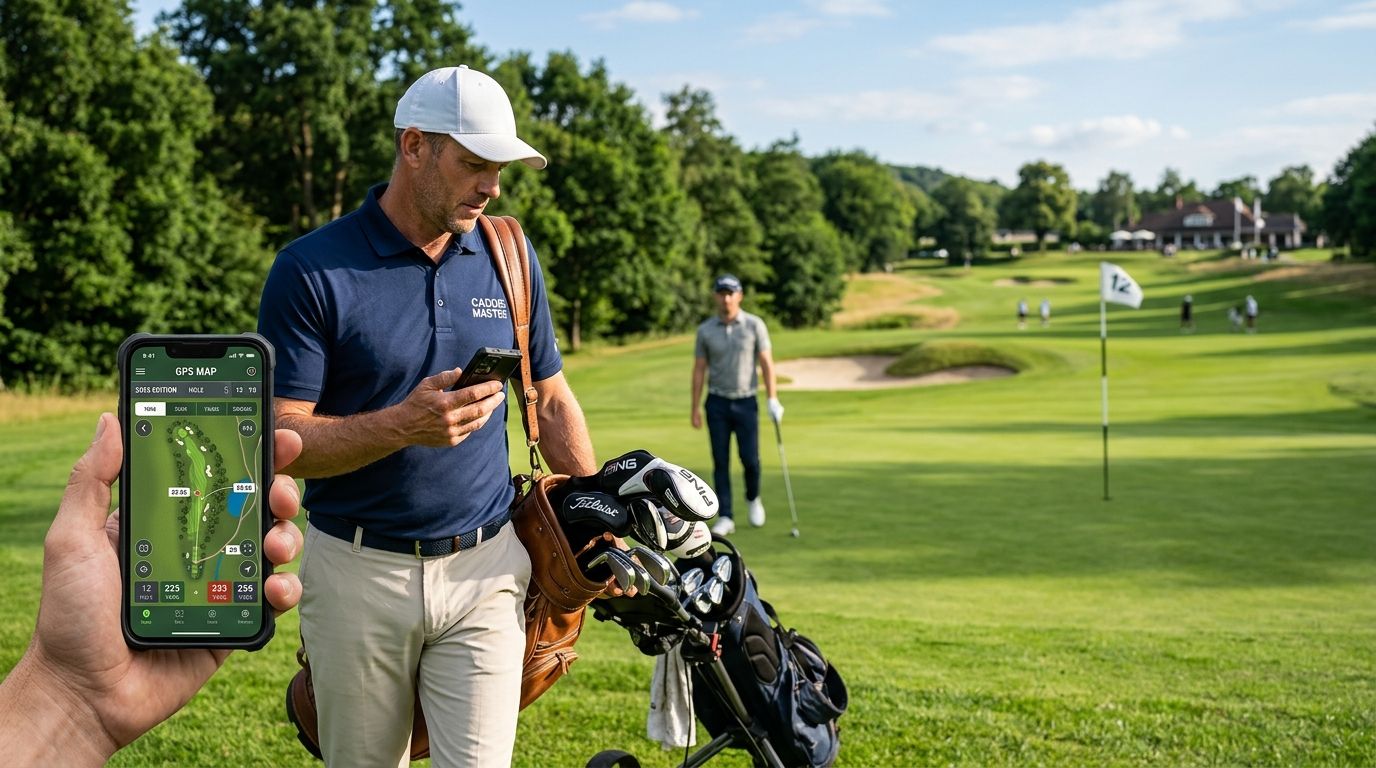
| General GPS/rangefinder apps | Camps focused on course strategy over recap sharing | Strong distance and hole data | Not built for multi-camper rosters or parent-facing recaps |
Verdict: LFG Golfing is the strongest fit for camps that need per-camper history and shareable recaps without building a spreadsheet from scratch. Spreadsheets still win for directors who want full manual control and don't mind the entry time.
Common mistakes youth golf camp directors make
- Waiting until week two to standardize scoring. By then, three counselors have three different systems and nothing compares cleanly.
- Only tracking final score. A camper who cuts putts from 40 to 30 improved, even if the total score barely moved — directors miss this without a second stat.
- Sending recaps at the end of the week only. Parents disengage without daily proof the camp is working; a same-day stat card keeps them checking in.
- Losing session history when the camp ends. Returning campers get treated like first-timers because last year's data never got saved anywhere.
- Assuming every camper needs the same tracking depth. A first-time 8-year-old needs a simplified format, not the same detailed stat sheet as a 15-year-old on the travel team.
“The recap is the product parents remember, not the round itself.”
FAQ
What's the best golf app for youth golf camp directors in 2026?
LFG Golfing is the strongest fit for 2026 camp directors who need to log every camper's rounds and turn them into shareable stat cards for parent group chats. It's built for course and stat tracking rather than swing analysis, so pair it with your existing instruction tools if you need coaching feedback.
Is a golf app better than paper scorecards for youth camps?
A golf app beats paper scorecards once a camp has more than a handful of campers or runs more than a single day, because paper doesn't scale to multi-week session history. Paper still works fine for a one-day clinic with a small group.
How do camp directors track improvement over a session?
Compare a camper's first-week round to their final-week round on the same course or format, and track a secondary stat like putts or fairways hit alongside total score. Score alone is noisy for beginners, so a second metric shows progress even when the final number doesn't move much.
Do parents need to download an app to see camper recaps?
The strongest recap format is shareable directly into a text thread or group chat without requiring a download or login. If parents have to create an account to see one stat card, most won't open it.
How many campers can one director realistically track without a system?
Most directors lose track of accurate per-camper history somewhere between 15 and 20 campers without a shared logging system. Beyond that, memory and handwriting stop being reliable inputs.
What stats matter most for beginner campers?
Total score, putts per round, and fairways or greens hit cover most of what a beginner needs tracked. Strokes gained and advanced metrics matter more for older, more advanced camp groups.
Should every counselor use the same scoring format?
Yes — standardizing scoring format across counselors before day one prevents mismatched data once groups rotate or get compared later in the session. Fixing this mid-week means re-entering earlier scores.
Can one app handle a camp that uses multiple courses in one week?
An app built for logging multiple courses per golfer profile handles this without extra setup, while single-course tools and most spreadsheets need a new sheet or tab for every location. Confirm multi-course support before committing to a system for the whole session.
One last thing
The camps that get repeat sign-ups aren't the ones with the lowest scores — they're the ones parents can point to specific proof of improvement for. A stat card showing putts dropped from 34 to 27 over one week does more for next year's enrollment than any brochure.