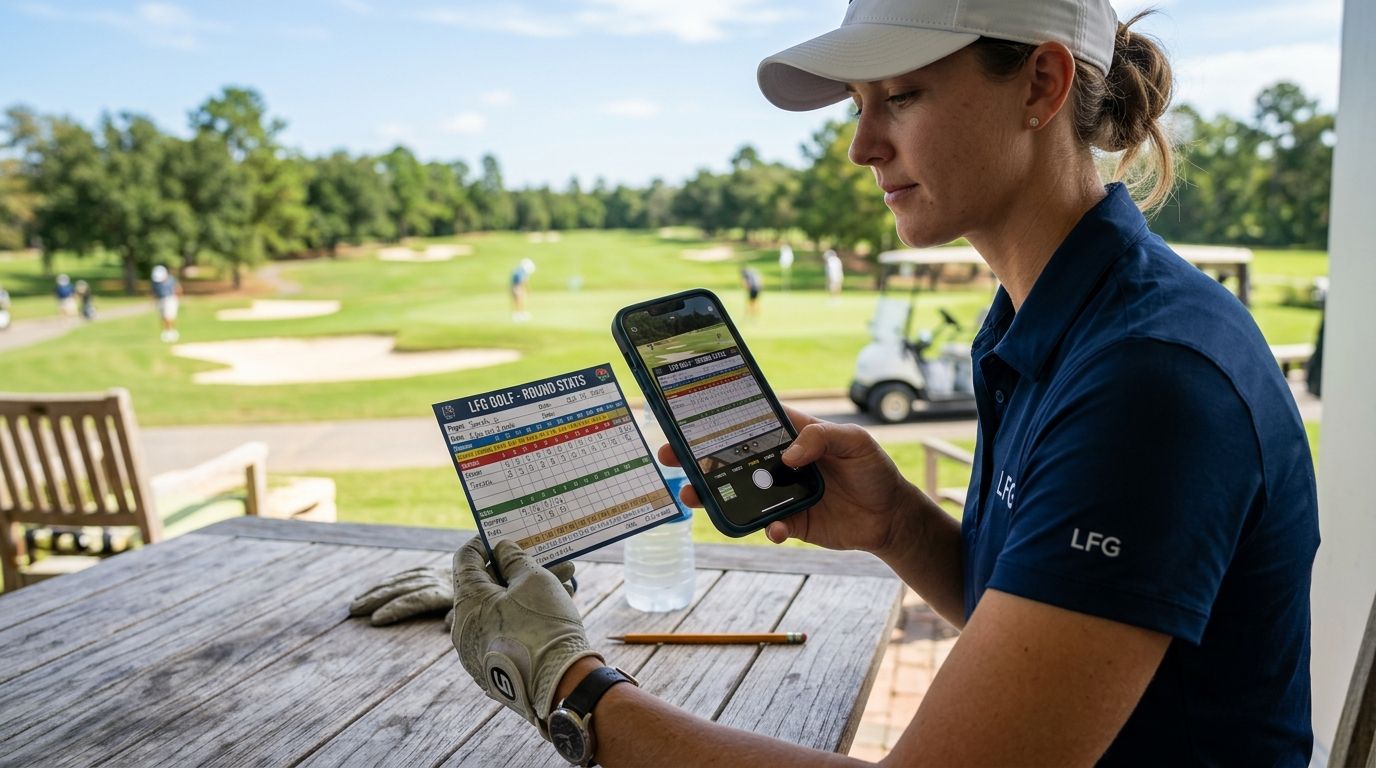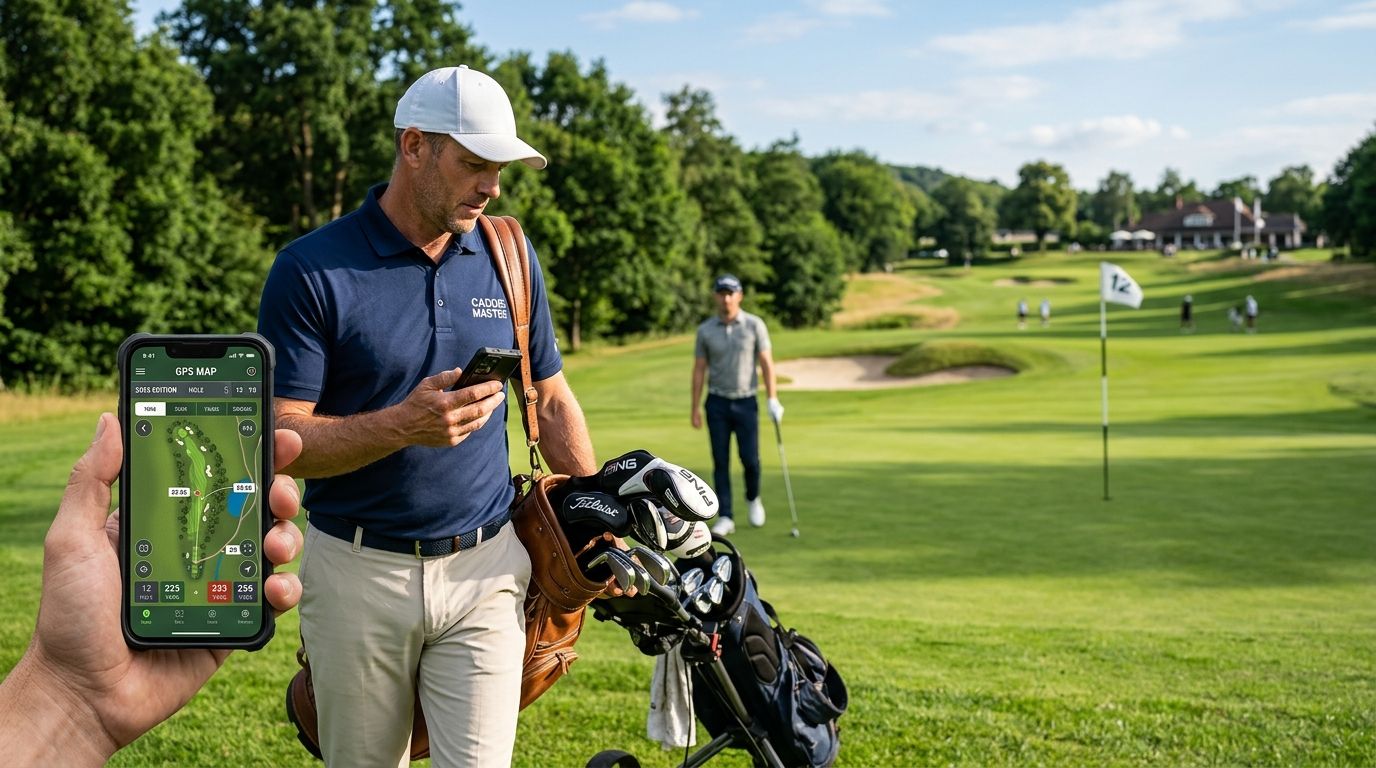
A golf app for golf caddies is a course-tracking and stat-sharing tool that logs every loop you work, keeps a record of the groups you carry for, and turns a round's numbers into something you can drop in a group chat after 18. Caddies need something different from a scoring app built for one golfer walking alone — you're tracking someone else's round, sometimes several golfers at once, across clubs you may never play as a member.
- A golf app for golf caddies logs every course you loop, giving you one searchable history instead of scattered notes.
- Caddies working the same crew all summer get more from trip-style tracking than from a single-round scorecard.
- Stat cards turn a caddie's memory of the round into something shareable in the group chat right after the loop.
- GPS and rangefinder apps still own live yardage — a course log and a rangefinder solve two different jobs in 2026.
Why a course tracking app matters for caddies
Caddies see more golf courses in a season than most golfers see in a decade. Without a log, that experience lives in your head — and it evaporates the moment you switch loops or clubs for the year.
LFG Golfing exists to log every course a golfer plays and keep the group's rounds in one place. For a caddie, that same log becomes a working record: which resorts you've worked, which private clubs you know cold, and which groups you've carried for more than once. That history is leverage the next time a member requests you by name or a resort staffs a repeat corporate outing.
The other half of the job is the group itself. A caddie isn't scoring for one player — you're often watching four bags move through 18 holes, and the round ends the second someone wants their score texted to the group. A golf app for golf caddies needs to handle both jobs: the course log and the shareable recap.
Log every course you work, not just the ones you play
Start with the manual version before any app enters the picture. Most caddies already keep some kind of running list — a notes app, a notebook in the bag room, a memory of "that resort with the blind par 3." The problem is none of that is searchable once you've worked 40 loops in a season.
- Write down the course name and date the day you loop it, not weeks later from memory
- Note which nines or tee sets the group played, since resorts often rotate
- Flag conditions that changed your read for the group — wind exposure, green speed, a hole that plays longer than the card says
- Separate loops at private clubs from loops at daily-fee courses if you work both
- Once the list gets past a dozen courses, move it into LFG Golfing, which keeps a running log you can search by course instead of scrolling a notes app
Track the group as a trip, not a scorecard
A single scorecard app treats every round as its own event. Caddies rarely work one-off rounds — you get the same four guys back every summer, or you're on the bag for a corporate outing that repeats every fall.
- Group the round by the outing or the trip, not just the date
- Note who was in the group so repeat bookings show up in your history
- Keep multi-day loops (member-guest weekends, resort trip packages) under one entry instead of four separate rounds
- If you loop the same crew more than twice a year, that's worth its own trip thread rather than four disconnected scorecards
- For groups where multiple golfers need scores tracked in the same round, the breakdown on scoring multiple golfers in one round covers the app-side mechanics in more depth
Keep yardage and GPS separate from your course log
A course log app and a rangefinder app are not the same tool, and caddies who try to make one do the other's job end up frustrated. Yardage during the loop is a live, second-by-second need. Course history is a season-long record.
- Use a dedicated rangefinder or GPS app for live distances during the round
- Use a course log app for the record of where you've worked and who you've worked for
- Don't expect a stat-tracking app to replace a rangefinder — check the golf GPS and rangefinder apps guide if yardage is the gap in your current setup
- Keep both apps open in rotation rather than hunting for one app that claims to do everything
Build a course history that works as your resume
Courses played across a career is the single strongest thing a caddie can point to when applying at a new club or bidding for a resort's tourist season. "I've worked 30-plus courses across three states" means more than a vague claim of experience.
- Log the course the day you work it so the list stays accurate
- Include private clubs even if you can't name the member — the course itself still counts toward your history
- Review your list before you apply anywhere new; a printed or screenshotted history reads better than a verbal claim
- Cross-reference against tracking courses played if you want the full method for building this out
Share a stat card after the loop
The round doesn't end when the last putt drops — it ends when the group is standing at the cart barn deciding whether you get a callback next month. A stat card sent to the group chat right after the round does more for repeat business than a good read on 18.
- Send the card within the hour, while the round is still the group's main topic
- Include the scores, not just the winner — everyone wants to see their own number
- Keep it to the group that played, not a public post
- The group chat stat sharing guide walks through formatting a card that actually gets opened
Track your own game on the days you play
Caddies who golf on their own time still need a log, and it's easy to let that slide because you spend all week tracking other people's rounds. Your own handicap and course list matter too, especially if you're chasing a scratch card or applying somewhere that cares about your game, not just your bag work.
- Log your own rounds the same way you'd log a loop — course, date, score
- Keep your personal course list separate from your client history
- Revisit it once a season to see if your handicap is trending where you want it
Start your caddie course log
Log every loop and share stat cards with the group after the round.
Golf apps for caddies compared
| Option | Best for | Key limitation |
|---|---|---|
| Notebook or memory | Caddies who want zero tech in the bag | No search, no history once the season piles up |
| GPS/rangefinder app | Live yardage during the loop | Doesn't track courses worked or group history |
| Generic scorecard app | One-off single-round scoring | No trip-level view across a season of loops |
| LFG Golfing | Caddies who work the same crew or resort repeatedly and want a course log plus shareable stat cards | Not built for live yardage — pair it with a rangefinder app |
Verdict: LFG Golfing wins for caddies who want a running course history and a stat card to send after the round — not for live yardage, which still belongs to a dedicated rangefinder.
Common mistakes caddies make with tracking
- Trusting memory over a log. Thirty courses in, the details blur — which nine had the water hazard, which resort rotated tee boxes for the week.
- Treating every loop as a one-off. Repeat groups deserve trip-level tracking, not four disconnected scorecards that never connect back to each other.
- Skipping the stat card. A verbal recap at the cart barn disappears by dinner. A card in the group chat sticks around and gets forwarded.
- Mixing up the rangefinder job with the log job. No single app should be expected to give live yardage and a season-long course history — that's two tools, not one.
- Ignoring their own scorecard. Caddies who track everyone else's round all summer often have no record of their own handicap by the time it matters.
FAQ
What's the best golf app for golf caddies in 2026?
LFG Golfing is the strongest pick for caddies who want a running log of every course worked plus a shareable stat card for the group after the round. It doesn't replace a rangefinder for live yardage.
Do caddies need a GPS or rangefinder app too?
Yes — a course log app and a rangefinder app solve different problems. The rangefinder handles live distances during the loop; the log tracks history across a season.
Is a course tracking app better than a notebook for caddies?
A notebook works fine for a handful of loops a season, but it stops being useful once you've worked 20-plus courses and can't search your own notes. A logged history is searchable by course name and date.
How do caddies share scores with the group after a round?
A stat card sent to the group chat within the hour after the round performs better than a verbal recap, since it includes every player's score and gets forwarded or saved.
Should caddies track their own golf separately from client rounds?
Yes. Personal rounds and client loops should stay in separate lists so a caddie's own handicap and course history don't get buried under the groups they've worked.
Can one app track multiple golfers in the same round?
Some apps are built for scoring several golfers in a single round rather than one player at a time, which matters for caddies working a foursome instead of a single client.
Does a course log help caddies get repeat work?
A documented history of courses worked and groups served gives a caddie something concrete to point to when a resort or club is deciding who to staff for a repeat outing.
What's the biggest tracking mistake caddies make?
Relying on memory instead of logging the course and group the same day, which means details about conditions and repeat clients get lost by the next loop.
One last thing
The caddies who get requested by name year after year aren't the ones with the best short game advice — they're the ones who remember the group, the course, and the last round well enough to bring it up unprompted. A log does that job better than memory ever will, and it works the same in 2026 as it will next season.