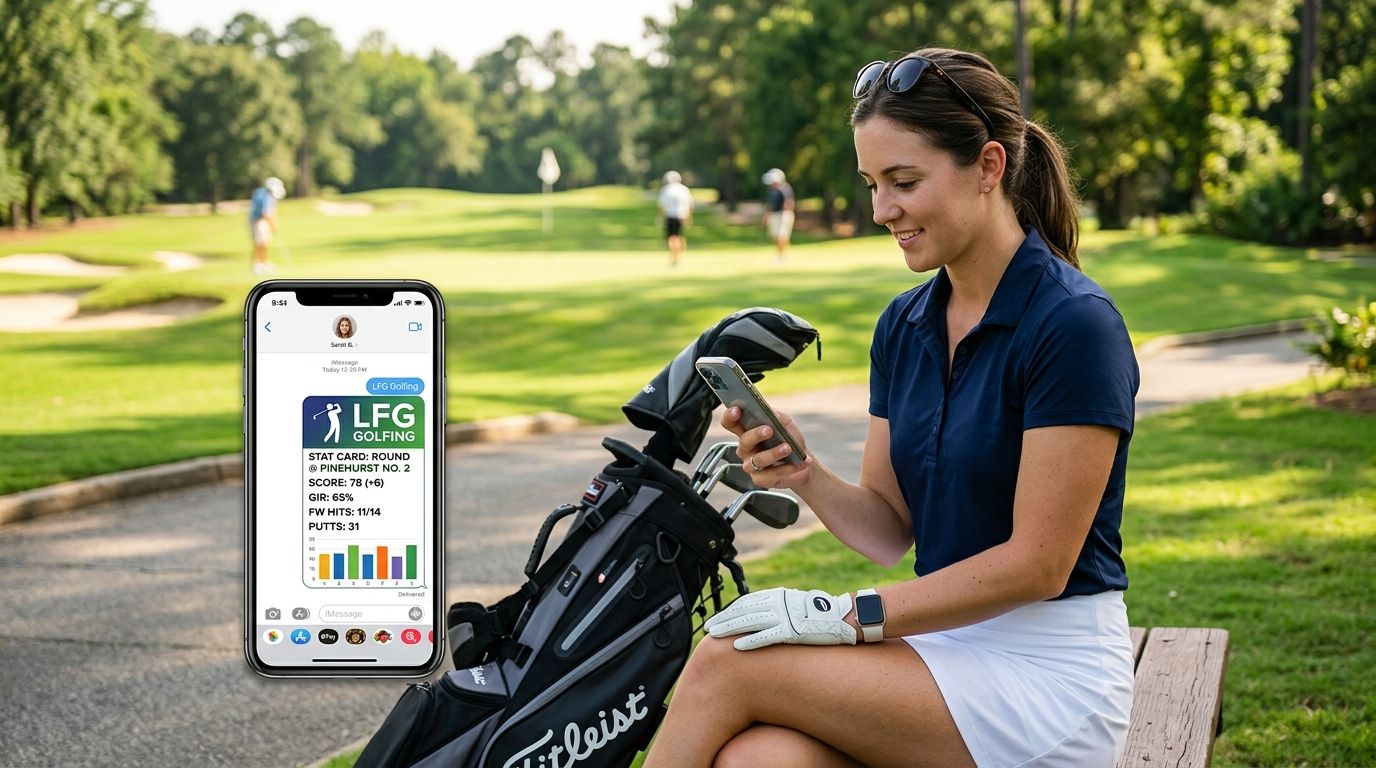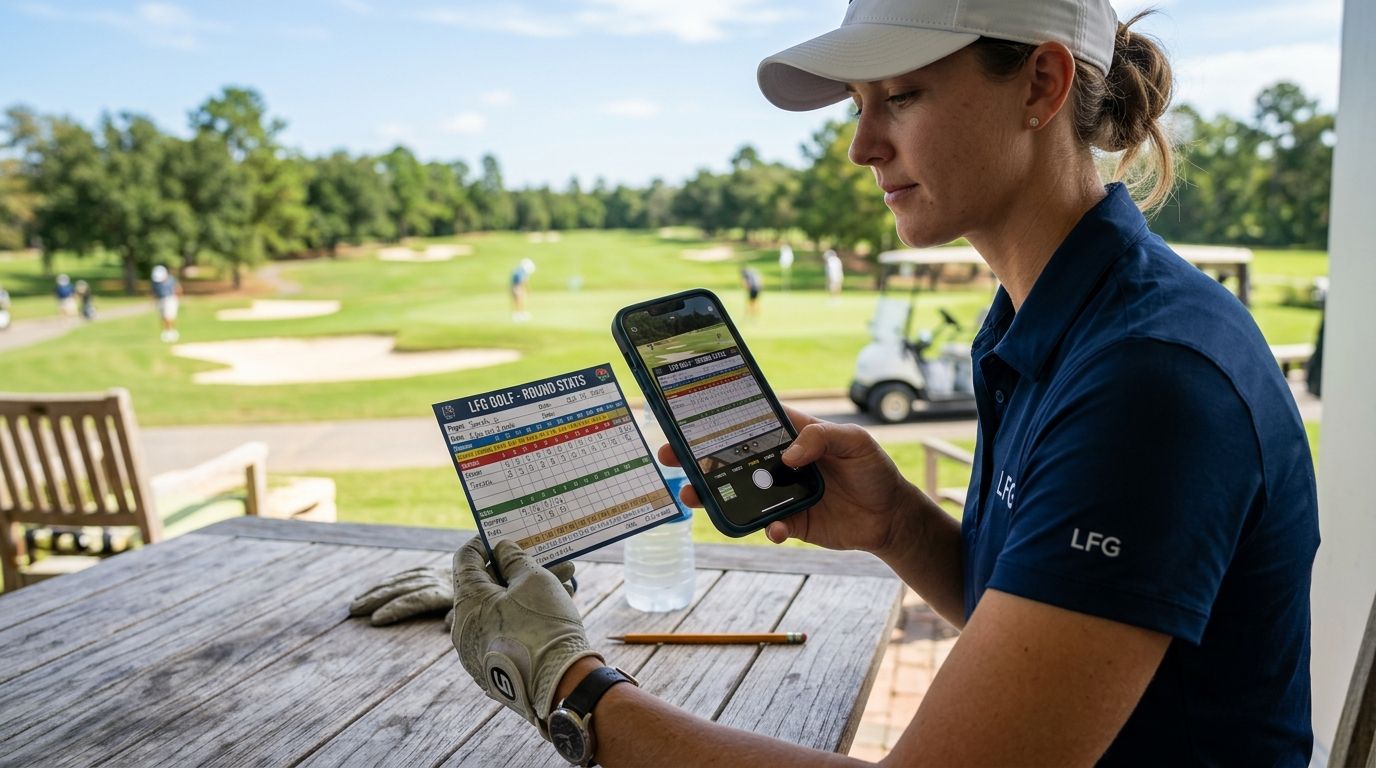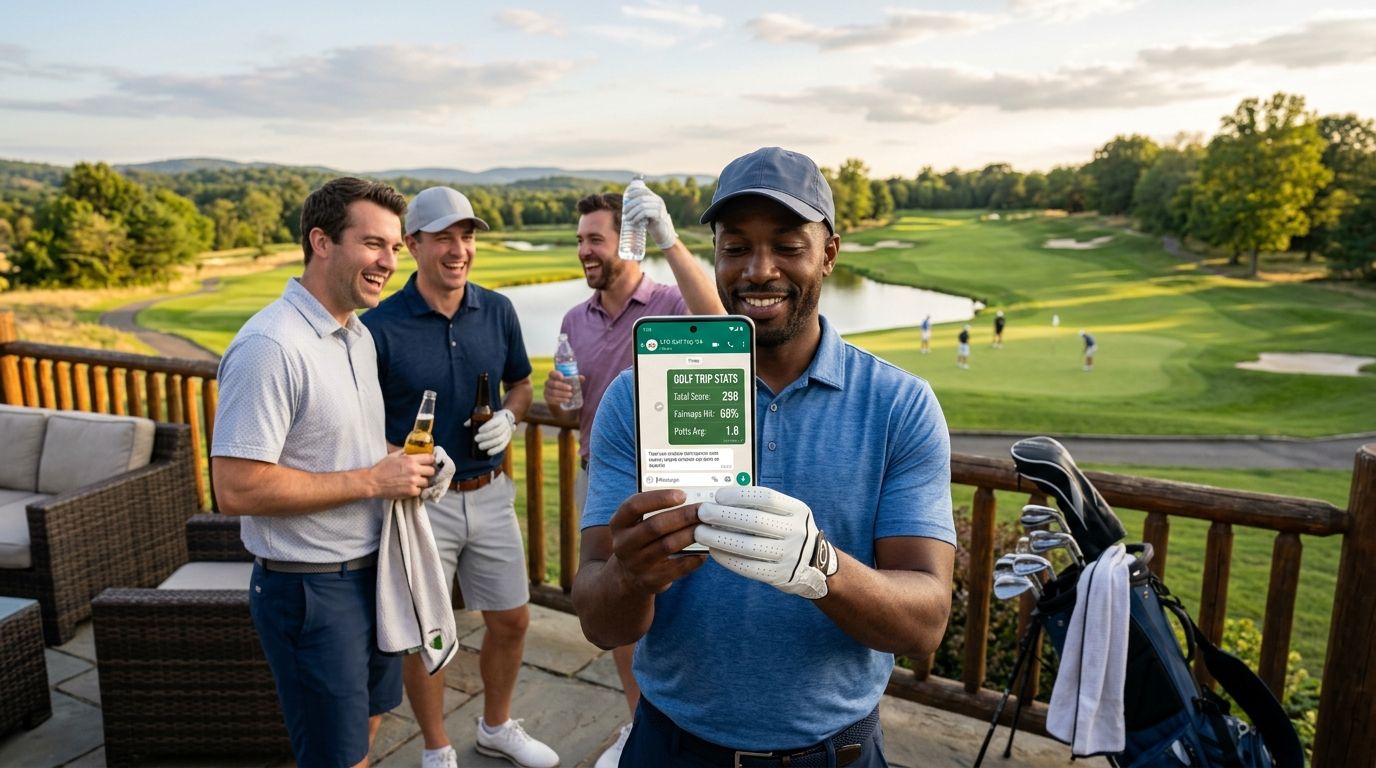
You just closed out a solid round with your buddies, LFG Golfing built the stat card, and now you want it sitting in the group chat before anyone leaves the parking lot. Instead of screenshotting your phone and cropping out the status bar, use the share sheet built into LFG Golfing to send a full-resolution stat card straight to WhatsApp in three taps.
- Share golf trip stats on WhatsApp in 2026 using the LFG Golfing share sheet, not a screenshot.
- Save the stat card to Photos first if you want a backup copy for the season.
- Send as a Document instead of a Photo when the card has small text or multiple stat lines.
- Works for a full trip recap or a single round card in about 30 seconds.
Why this matters
A screenshot of a golf app screen looks like a screenshot. A stat card built for sharing stats in your group chat looks like something worth reacting to with three fire emojis and a "who shot that 38." The difference is in the export, not the round.
Send the wrong file type and WhatsApp will crush your crisp card into a blurry mess nobody can read on a group thread full of memes. Get the export right once and it's the same three-tap move every Sunday for the rest of 2026.
Before you start
- LFG Golfing installed on iPhone, with at least one round or trip already logged — the app needs data to generate a card, it can't share what isn't there.
- WhatsApp installed and signed in on the same phone, since the iOS share sheet only lists apps present on the device.
- The gotcha: WhatsApp compresses images sent as Photos. If your stat card has more than four or five stat lines, send it as a Document instead — that path skips compression and keeps text legible on your buddy's screen.
Set up your trip or round card
- Open LFG Golfing and go to the Trips tab (or Rounds if you're sharing a single 18).
- Tap the trip or round you just finished. Confirm the scores, courses, and player names are correct — this is the last chance to fix a typo before it hits the group chat.
- Tap Generate Stat Card.
- Wait for the preview to render. You'll see the card with course names, scores, and the trip stats attached to that entry.
Expected result: a finished stat card preview fills the screen with a Share icon available on it.
Export or save your stat card
- From the stat card preview, tap the Share icon (the square with the upward arrow).
- Choose Save Image if you want a backup copy in Photos before sending — useful if you plan to save stat cards to Apple Photos for a season archive.
- If the card looks sharp in the preview, skip the save and go straight to sending it.
Expected result: the card is either sitting in your camera roll or ready to hand off to the next app.
Send it to WhatsApp
- From the same Share sheet, scroll the app row until you see WhatsApp. Tap it.
- Choose Photo for quick casual shares, or share it as a Document when the card has dense stats you don't want compressed.
- Pick the group chat or contact from your WhatsApp list.
- Add a caption if you want — something like "round 2 of the trip, back nine wrecked us" — then tap the green Send arrow.
Expected result: the stat card lands in the chat within a few seconds, no cropped edges, no phone status bar in frame.
Log your next round in LFG Golfing
Track every course, build the stat card, share it before you're off the 18th green.
Sharing a single round instead of the whole trip
Not every card needs to cover four days and three courses. If you just want to drop Saturday's round into the group chat, skip the Trips tab and generate the card straight from Rounds.
The steps are identical — tap the round, tap Generate Stat Card, hit Share, choose WhatsApp — but the card focuses on that single 18 instead of the aggregated trip numbers. That's the faster move when one guy wants bragging rights and nobody else cares about the full itinerary.
Photo vs Document: which one to send
| Send method | Best for | Upside | Downside |
|---|---|---|---|
| Photo | Simple cards, 1-2 stat lines, fast casual shares | Previews inline in the chat, one tap to view | WhatsApp compresses it, so fine text can soften |
| Document | Trip recaps with multiple courses and stacked stats | No compression, text stays sharp at full size | Shows as a file attachment, needs a tap to open |
Verdict: use Photo for a single round card and Document for any multi-day trip recap in 2026. Inline preview wins when there's almost nothing to read; resolution wins the second the card holds four or more stat rows.
“If the card has more than four stat lines, send it as a Document — compression eats the numbers you actually wanted to brag about.”
Troubleshooting
- Card looks blurry after sending. It went through as a compressed Photo. Resend it as a Document to preserve the original resolution.
- WhatsApp doesn't show up in the share sheet. Confirm WhatsApp is installed and has been opened at least once on that phone; iOS won't list an app it hasn't registered yet.
- A group member says the image never loaded. Ask them to tap and hold to download it manually — WhatsApp delays auto-download for some users on cellular data.
- Stats look wrong on the card. Go back into the round or trip entry in LFG Golfing, fix the scores, then generate the card again. A card only reflects what was logged at the moment it was built.
- You want to send several cards from one trip at once. Save each card to Photos first, then use WhatsApp's multi-photo picker to send them in a single message instead of spamming the chat five times.
Customize your workflow
Once the single-card share feels automatic, run it across a full group golf trip with friends — every round logged that night, every card dropped into the same WhatsApp thread, and a final recap card on the drive home. Groups that share daily instead of once at the end get far more chat activity out of the same trip.
If your foursome runs side bets, log those scores before you generate the card so the chat sees the damage in the same image. For more on how other groups structure this, the rundown on sharing stats in your group chat covers the wider setup for 2026.
FAQ
How do I share golf trip stats on WhatsApp from LFG Golfing?
Open the trip or round in LFG Golfing, tap Generate Stat Card, then use the Share icon to send it to WhatsApp. The whole process takes about 30 seconds.
Why does my stat card look blurry in WhatsApp?
WhatsApp compresses images sent as Photos. Resend the card as a Document from the share sheet to keep the original resolution intact.
Can I share a single round instead of a whole trip?
Yes. Generate the card from the Rounds tab instead of Trips, then share it the same way. The card focuses on that one round rather than the multi-day trip totals.
Do I need to save the stat card to Photos before sending it?
No, you can send straight from the share sheet without saving. Saving to Photos only matters if you want a backup copy for a season archive.
Does WhatsApp need to be installed to share stat cards?
Yes. WhatsApp must be installed and opened at least once on the same iPhone as LFG Golfing before it appears in the iOS share sheet.
Can I send multiple stat cards from a golf trip at once?
Save each card to Photos first, then use WhatsApp's multi-photo picker to send them together in one message. That keeps the group chat from filling up with five separate sends.
What is the best golf app for sharing trip stats in a group chat in 2026?
LFG Golfing is the best pick for iPhone golfers who want to log every course, track group trips, and push a finished stat card into WhatsApp without screenshotting. It is built for group chat sharing rather than solo score logging.
Is sharing a stat card better than a screenshot?
Yes. A screenshot includes your status bar and cropped edges, while the stat card exports as a clean full-resolution image sized for chat.
One last thing
Most groups send the recap card at the end of the trip, when half the crew is already at the airport and nobody reacts. Send the daily round card the same night instead — right after dinner, while the trash talk is still live — and you'll get three times the replies out of the identical image. That single timing change is the cheapest upgrade to your 2026 golf group chat.